
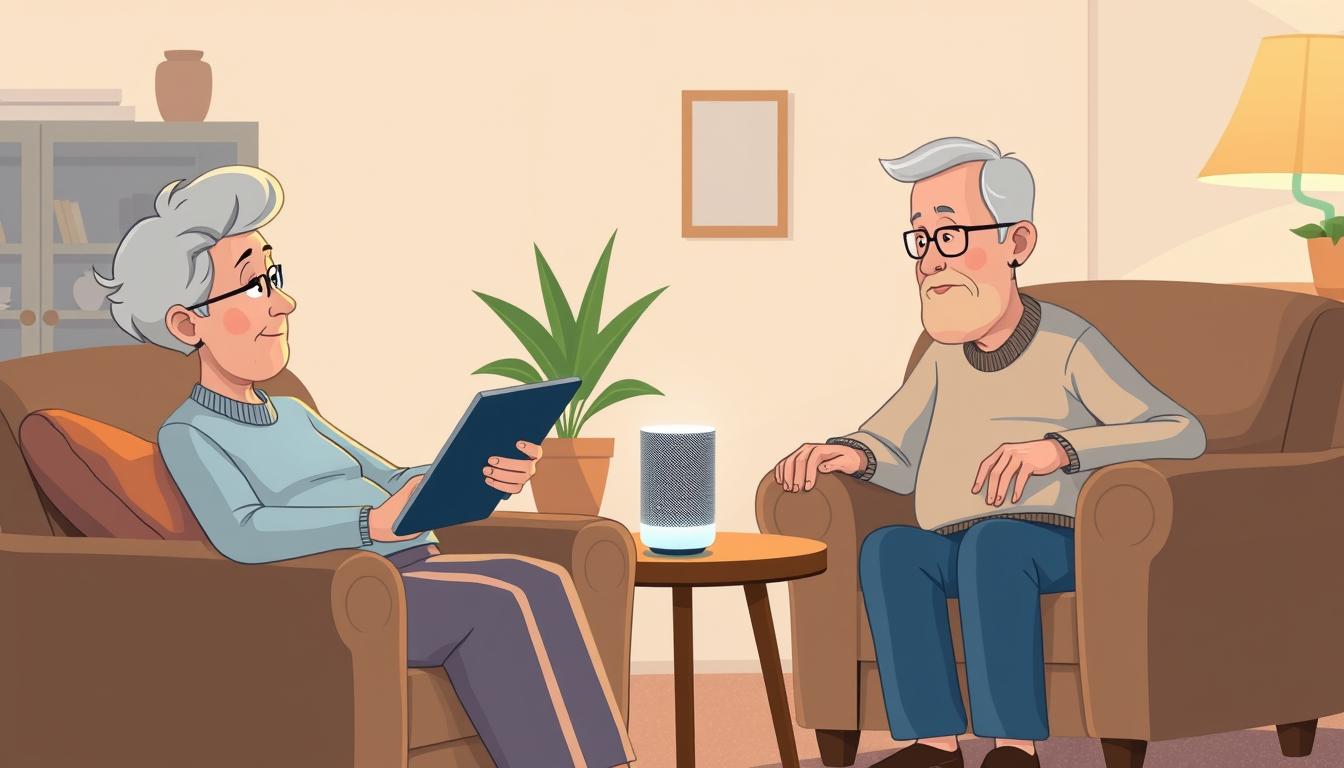
Voice Assistant Tips Every Senior Should Learn at Home
You’ll find practical, friendly help here to make smart speakers and related devices work for your daily life. This short guide explains how systems like Amazon Alexa, Google Assistant, and Siri differ, and why one might fit your routines better.
Learn what a wake word does, how speech becomes information in the cloud, and simple privacy steps like deleting recordings or muting the mic. You’ll also see easy services these systems offer, from reminders and hands-free emergency calls to thermostat and TV control.
Many older adults report these tools feel like a helpful presence. Research shows most studies find a real boost to mood and reduced loneliness. By the end of this intro, you’ll know which assistant matches your phone and home, and what to try first so setup feels quick and confident.
Key Takeaways
- Compare ecosystems: Alexa links to Amazon; Google handles complex searches; Siri works best on Apple devices.
- Wake words start interactions; audio is processed in the cloud but can be managed in settings.
- Use reminders, calls, and check-ins for safety and daily support.
- Smart speakers can improve mood and reduce loneliness for many older adults.
- Simple setup steps make these systems useful fast—pick one that fits your devices and budget.
Why voice assistants make everyday life easier and safer at home
Smart speakers and small home systems help you handle daily needs without extra effort. You can place hands-free emergency calls, set regular check-ins, and get medication reminders so you worry less while you move around your home.
Hands-free help for emergencies, calls, and check-ins
If you fall or need help, a simple wake phrase can place a call for you. Echo and Nest devices can ping family if a scheduled check-in is missed, adding a reliable safety net.
Reducing loneliness and lifting your mood
Research shows many older adults describe these systems as a friendly companion that answers questions, plays music, and reads audiobooks. That steady interaction can ease isolation and support mental health.
Everyday tasks made simple
Use the built-in app or an Alexa Google setup to add items to a shopping list, hear the weather, or get quick information. Pair speakers with smart devices like lights, thermostats, Fire TV, or Ring doorbells to control your home with simple voice commands.
voice assistants seniors: how to choose the right fit for your needs
Match features to goals first: do you need medication reminders, better sound, or smart home control?
Match features to goals. If safety and health matter most, pick a device that supports medication reminders and appointment alerts. For entertainment, choose a speaker with rich sound or a display for video calls.
Accessibility matters. Look for natural language understanding, clear responses, and easy wake words so you can speak naturally. Strong speakers help you hear answers across a room.
Health-friendly tools and compatibility
Health supports: Both Alexa and Google Assistant offer medication reminders and routines. Siri works best if you use Apple devices and HomePod.
Compatibility: Check that the device pairs with your phone, app, and home devices. Smart devices like lights, thermostats, TVs, and doorbells expand what the assistant can do for everyday tasks.
Budget and form factor: Decide between a compact speaker or a smart display for larger text and on-screen buttons. Balance price with the services you will use daily so you don’t overpay for features you won’t need.
Alexa, Google Assistant, or Siri: what you’ll love (and where each shines)
Choosing between Amazon, Google, and Apple comes down to what you ask most often. Each assistant has clear strengths that match different daily needs.
Amazon Alexa: shopping, tracking, and smart home breadth
Amazon Alexa links to your Amazon account for package tracking and direct ordering, making grocery or Fresh orders fast. It also helps you build a shopping list and works with thousands of skills to control lights, locks, and other devices.
Google Assistant: answers, multi-part questions, and web strength
Google Assistant shines when you ask complex or two-part questions. It pulls from Google Search to give quick, accurate answers and handles weather, multi-step queries, and follow-up requests more naturally.
Siri and Apple: iPhone convenience with limits
Siri fits best if your life runs on an iPhone or iPad. Integration with your smartphone, messages, and reminders is seamless. The downside: HomePod is the main speaker option, so smart home support and third-party speaker choices are narrower.
Compare how they hear and act: consider microphone pickup, app experience, and whether a smart display helps you see timers, lyrics, or step-by-step instructions. Pick what helps you most each day—not just what’s newest in technology.
Set up at home: from first app install to smart devices you can control by voice
A simple setup connects your speaker, app, and account so everyday tasks become hands-free. Start with three basics and you’ll be ready to ask for timers, weather, and reminders in minutes.
What you need now
Gather internet access, a compatible speaker (for example an Amazon Echo or Google Nest), and an Amazon or Google account. Install the manufacturer’s app on your phone and follow the prompts to link the device to Wi‑Fi.
Quick-start steps
Enable the wake word (“Alexa” or “Hey Google”), then try simple commands for timers, music, and weather. Create your first reminder and a shopping list so the assistant can help with daily tasks right away.
Build a safer smart home
Link smart devices one room at a time: lights, thermostats, TVs (like Fire TV), and video doorbells. Test each device so the speaker hears you and controls the right item.
Make it practical
Personalize news, set trusted contacts for calls and check-ins, and learn to mute the mic or delete recordings in settings. These steps make systems useful and respectful of your privacy.
Safety, privacy, and trust: use voice commands confidently
A clear safety plan and simple privacy steps let you use smart systems with confidence at home. This short guide explains how recordings work, what risks to watch for, and how training or family help can build trust.
Understand recordings and cloud storage. Wake words start listening and audio is sent to cloud servers for processing. You can delete stored audio in your Amazon or Google account settings, though deleting data may affect recognition accuracy.
Stay scam-aware and protect your identity
Scammers may try to clone a recording or trick you into sharing personal information. Ignore unknown callers and never confirm financial details over an unexpected call.
Use quick hardware and account safeguards
Use the mic-off button on Echo or Nest speakers when you want privacy. Set strong passwords, enable two-factor authentication, and review app permissions so services only get the information they need.
Training and support to build confidence
Practice clear, steady phrases in a quiet room to improve accuracy. Learn the app settings for reminders, notifications, and trusted contacts so the assistant fits your daily needs.
Tip: Involve a family member or a local tech tutor to set boundaries and test routines that support health and peace of mind. With these steps, you can enjoy helpful services while staying in control of your information and safety.
Your next step at home: pick a device and try your first five commands today
Choose one starter device, plug it in, and test five easy commands today.
Try asking for the weather, set a 10‑minute timer, add an item to your shopping list, play a favorite song, and set a medication reminder. These small wins show how an assistant helps with everyday tasks and basic information.
Use natural language and speak clearly. Google Assistant handles multi-part questions well, while Alexa is strong for shopping and lists. Siri fits best if you live in the Apple ecosystem.
Add one smart home task, invite a family member for your first call, and revisit settings after a week. Keep it simple and build confidence as your life gets easier and safer at home.