
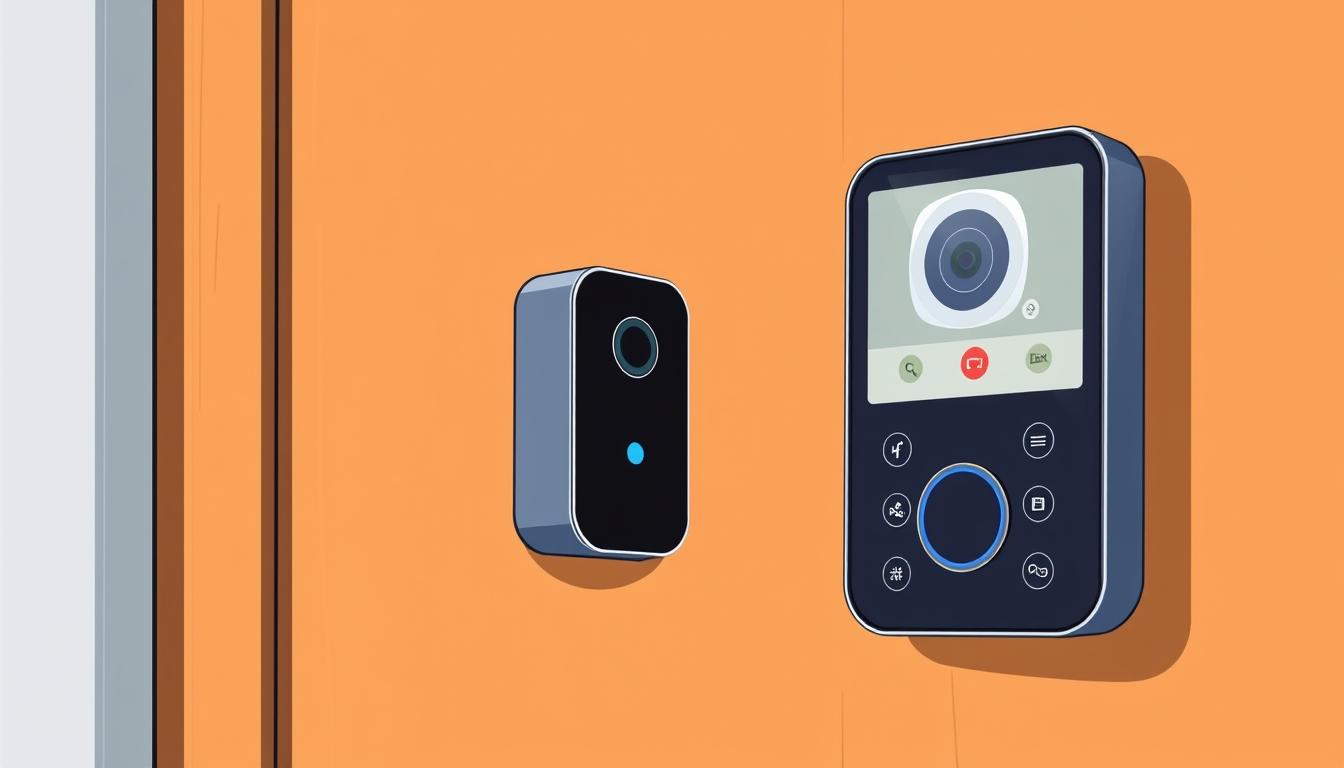
How to Use Smart Doorbells for Safer Senior Living
You want practical ways to keep your loved one safer at the front door. A video doorbell gives live video and two‑way talk so you or a caregiver can check visitors without opening the door. This improves home security and cuts fall risk when someone answers the door.
Options range from simple battery models to app‑based systems with cloud storage and always‑on recording. Brands like Ring, Google Nest, Arlo, Eufy, KAMEP, and ERA DoorCam offer different mixes of features, storage, and power choices.
In this short guide you’ll learn how features matter for older people: reliable alerts, easy interfaces, multi‑user access, and the tradeoffs between cloud and local storage. We’ll also point out which products match common living situations and which doorbell camera choices give the best balance of safety and ease.
Key Takeaways
- Video doorbells let you screen visitors without opening the door.
- Choose power and storage to match your maintenance needs and budget.
- Look for easy apps and multi‑user support so family members can help.
- Free timelines or local recording cut monthly costs for many users.
- Pick devices that fit your front door scenario — renters and homeowners have different needs.
Understand your intent: safety, independence, and simple control
Decide what you need most: fewer risky trips to the front door, more independence, or simpler control for caregivers.
Use a video doorbell so you can answer from a chair, couch, or bed and avoid unnecessary trips that increase fall risk. Live video and two‑way talk let you ask delivery drivers to wait or tell an unexpected visitor you’ll check later.
Reduce risky trips with two‑way talk
Pick a model with clear two‑way audio and fast responses. Pre‑recorded messages and quick replies make handling visitors easier when you don’t want to open the door.
See and screen visitors to deter scams
Choose devices that offer reliable people alerts so the camera notifies you for a person, not every passing car or animal. That reduces nuisance notifications and helps you spot suspicious callers.
Keep family and caregivers looped in
Enable multi‑user access so loved ones get alerts on their phone and can step in if you miss a ring. Decide whether you need cloud storage for saved clips or only live video for immediate answers.
How a smart video doorbell works for you
Modern doorbell cameras stream live video and two‑way audio to your smartphone app so you can see and speak with visitors instantly. This lets you screen deliveries and unexpected callers without opening the door.
Camera, motion detection, and two‑way audio via a smartphone app
Your doorbell camera detects motion or a button press and sends an alert to your phone. Tap the notification to open a live view and talk through two‑way audio.
Notifications, activity zones, and optional chimes inside the home
Use Activity Zones to focus on the porch or walkway and ignore passing traffic. Devices with people, package, and vehicle detection cut down false alerts and help you prioritize what matters.
Some systems save clips to the cloud or to local storage on a base station. Top models like the Google Nest Doorbell (Wired) offer fast alerts, people detection, a free three‑hour cloud history, and browser access so you can view and speak from a computer.
Features that matter most for seniors and caregivers
Choose features that cut false alerts and give clear, usable video when it matters most.
Reliable alerts and accurate detection — Look for devices that distinguish people, packages, animals, and vehicles so you get meaningful pings, not constant noise. The Google Nest Doorbell (Wired) is an example that separates these events reliably.
Activity zones and head‑to‑toe view
A portrait-style, head‑to‑toe view helps you see faces and packages on the mat. Activity Zones let you ignore the street and focus on the porch.
Two‑way talk, quick replies, and deterrents
Two‑way audio should be loud and clear. Pre‑recorded quick replies speed responses when talking is hard. Consider a device with a smart siren, like the Arlo Video Doorbell, to deter threats.
Night vision, angles, and multi‑user access
Good night vision and wide angles make review simple after dark. Choose systems that support multiple users and web viewing so caregivers can jump in via a browser when a phone isn’t handy.
Storage choices — Pick free short cloud windows for quick checks, paid cloud plans for longer history, or local storage to avoid subscriptions.
Power and wiring: choose what fits your home and comfort
The right power setup can save you time and keep your camera working when it matters most.
Battery-powered vs. existing wiring
Battery models suit renters and anyone who wants an easy install. They mount without drilling and are simple to move between homes.
Wired setups work well for homeowners. You avoid frequent charging and may use your existing chime if compatible with the existing wiring.
Battery reality: charging, spares, and climate
Even some wired video doorbells include internal batteries that need periodic charging. Heat and cold shorten battery life.
Consider a second battery so the unit stays online while one charges. Nest spare batteries start near $15; Ring spares run about $35.
Chimes and when the old ding‑dong won’t work
Many older mechanical chimes won’t work with modern devices. If the existing doorbell won’t work, plan about $40 for a compatible chime or rely on app alerts, cloud notifications, or plug‑in chimes.
If wiring or chime compatibility worries you, pick kits with guided setup in the app or hire a trusted installer to keep your security and storage options intact.
Accessibility and ease of use come first
Choose how you want to answer the bell so daily use stays simple. Some systems ring your smartphone immediately when someone presses the button, while others include a dedicated indoor monitor if you don’t use a phone.
If answering a call is easier than opening an app, pick a model that rings your phone directly. Arlo, for example, can call your phone on press so you just tap to talk. ACEBELL and similar kits add a wireless indoor monitor so you can see and speak without a smartphone.
Larger buttons and quick replies
Look for large on-screen buttons and clear labels so answering and talking takes one or two taps. Pre‑recorded quick replies let you tell a delivery driver to leave a package without speaking.
Loud chimes and multi‑room alerts
Add plug‑in chimes to cover several rooms and choose models with volume controls and tone options. Make sure caregivers can also receive alerts so someone else can step in when you miss a ring.
Finally, test the app for accessibility features like larger text, high contrast, and one‑tap access to live view. Favor devices that go from alert to live talk in minimal steps for the smoothest day‑to‑day help.
Know the ongoing costs before you buy
Think beyond the purchase price: storage plans, extras, and add‑ons change the total cost. Your choice of cloud vs. local storage will drive monthly bills and the features you get.
Cloud vs. local storage: subscriptions and included options
Cloud storage makes clips easy to view from anywhere and often adds features like people recognition or extended history. Expect low monthly fees for most brands, but confirm what each tier actually includes.
Local storage uses a base station or internal memory so you skip recurring charges. That setup can save money long term if you don’t need 24/7 cloud recording.
Google Nest plans and typical brand fees
Google Nest gives a free 3‑hour event window. The Google Home Premium plan is about $10/month ($100/year) for 30 days across unlimited cameras. For continuous 24/7 cloud recording, expect roughly $20/month ($200/year).
Ring Protect and Arlo Smart usually start near £2.50 (or about $3) per month for basic cloud history. ERA may include 12 months free. Confirm regional pricing and extra features like face detection.
No-sub picks and add‑on costs
If you want no monthly bills, consider Eufy and similar models that include local storage on a HomeBase. Also check whether a chime, wedge, or spare battery is included or sold separately—these add to the upfront cost.
Tip: Match your plan to how much history you actually use. A higher upfront price that bundles storage can be cheaper than ongoing subscriptions if you keep a camera long term.
Privacy, storage, and being a good neighbor
Privacy matters as much as safety when you add a camera at your front door. Take a moment to secure accounts, limit who can view footage, and set recording so it only catches what you need.
How devices handle encryption, permissions, and two‑factor authentication
Pick brands that encrypt video in transit and at rest. For example, Google Nest encrypts streams and stores Familiar Face data in encrypted memory.
Turn on two‑factor authentication and review shared-user permissions so only trusted family or caregivers can view clips or change settings.
Set Activity Zones and adjust angles to respect neighbor privacy
Use Activity Zones and tilt the view to focus on your walkway and front door. This reduces false detections and avoids recording neighbors’ yards or public sidewalks.
Wider angles and higher resolution can catch more than you expect, so test different mounts until the camera only covers your property.
What your camera may capture and how to communicate changes
Be aware that mail drops, deliveries, and passersby may appear in recordings. Understand whether footage lives in the cloud or on a local device and how long clips are kept.
If a neighbor raises concerns, show the steps you took—activity zones, limited sharing, and disabled face features if needed—and explain the goal is home security, not surveillance.
Best picks by scenario: match the device to your needs
Pick the right model for your wiring, chime needs, and whether you want cloud or local storage. Below are clear options tied to common situations so you can choose with confidence.
Fast alerts and accurate detection: Google Nest Doorbell (Wired)
The Google Nest Doorbell (Wired) gives the fastest notifications, people/vehicle/package detection, and up to four Activity Zones. It works with an existing chime and offers a free three-hour cloud history with paid upgrades.
No monthly fees and easy install: Eufy with HomeBase
Eufy stores clips locally on HomeBase so you avoid subscriptions. It supports human detection, long battery life, and simple motion zone setup.
Phone-style answering and deterrent: Arlo
Arlo rings your phone directly and includes an optional smart siren for deterrence. It’s wired power with wireless chime options and subscription recording.
Budget battery kit, peephole, and wired picks
KAMEP offers a battery kit with an included chime and flexible storage. For apartments, the Ring Door View Cam replaces a peephole without drilling. Ring Video Doorbell covers budget buyers with broad ecosystem support. ERA DoorCam fits homes that want wired reliability and a plug-in chime plus free cloud time.
Match each pick to how you answer the door, whether you want local storage, and how loud the chime must be.
Setup, installation, and safety checks
Before you drill, confirm the view, wiring, and chime compatibility for a smooth setup. Good planning avoids rework and keeps the front door ready for daily use.
Wiring basics, mounting height, and field-of-view tips
Mount at a height that captures faces and packages. Aim for a portrait, head‑to‑toe view so the camera shows people and deliveries clearly.
Preview the view in the app and draw Activity Zones to ignore street traffic and focus on the porch. That reduces false alerts and saves storage.
If you use wired power, check transformer specs and whether your existing doorbell and chime are compatible. Many older chimes won’t work and may need replacement or app alerts instead.
Test notifications, audio clarity, and shared access for caregivers
After installation, test that notifications arrive quickly on your smartphone and on any caregiver devices. Confirm two‑way audio is clear both ways and adjust levels if the app allows.
Place plug‑in chimes where you can hear them; use more than one in larger homes. Share access with trusted family so each person can view live video, talk through the doorbell camera, and review stored clips in cloud or local storage.
Compatibility and the smart home you already use
Make sure your video system plays nicely with the voice assistants and displays you already use at home. That makes daily answers easier and turns existing speakers into extra chimes or glanceable screens.
Works with Amazon Alexa and Google Home: what actually helps day to day
Check compatibility first. Many popular models, like the Google Nest Doorbell (Wired), work with Alexa and Google Home so you can view live video on a smart display or hear an announcement on a speaker.
Use web viewing when a phone isn’t handy — Google Home for web and similar services let you answer from a laptop or desktop.
Using smart speakers to announce visitors at home
Set your speakers to broadcast rings across rooms so everyone hears the doorbell. Routines can also turn on lights or play a tone when someone presses the button for better visibility.
Keep firmware up to date and confirm which accounts can access the camera. Strong Wi‑Fi at the door helps prevent delays or buffering; consider mesh if signal is weak.
smart doorbell seniors: your buying checklist
Begin with a short checklist so you buy a video system that fits daily life, not just specs.
Wiring vs. battery: Decide whether you want a wired install to avoid charging or a battery model for easy setup and flexible placement. Battery life and spare batteries matter if you opt for wireless.
Storage choice: Pick cloud plans for longer history (Nest offers a free 3‑hour window plus paid tiers), or go local to skip monthly fees (Eufy includes local storage). KAMEP and similar kits may give cloud or internal options.
Must-have features: Look for accurate detection, Activity Zones, night vision, and clear two‑way talk. A reliable doorbell camera with good app controls makes daily use simpler.
Accessibility and ecosystem: Can you answer via a smartphone app, large on‑screen buttons, or an indoor monitor? Confirm compatibility with voice assistants and whether family can share access easily.
Costs and audibility: Check subscriptions, extra chimes, and spare batteries. Compare total value across Ring, Arlo, and other best video picks, then shortlist two products that match your top priorities and give the simplest daily experience.
Ready to make your front door smarter and safer
Make your front entry easier to manage by matching a video option to how you actually live and move. Pick a video doorbell that reduces trips to the door and fits your routine. Choose Nest for fast, accurate alerts, Eufy for local storage with no monthly fees, Arlo for phone‑style answering, KAMEP for a budget chime kit, or Ring for broad ecosystem support.
Double‑check installation: battery for easy setup, wired for steady run time, and Wi‑Fi coverage across the house. Turn on encryption and two‑factor auth, set Activity Zones, and share access with trusted family. Use this short guide and checklist to match features, storage, and costs so your home security improves safety and daily life today.