
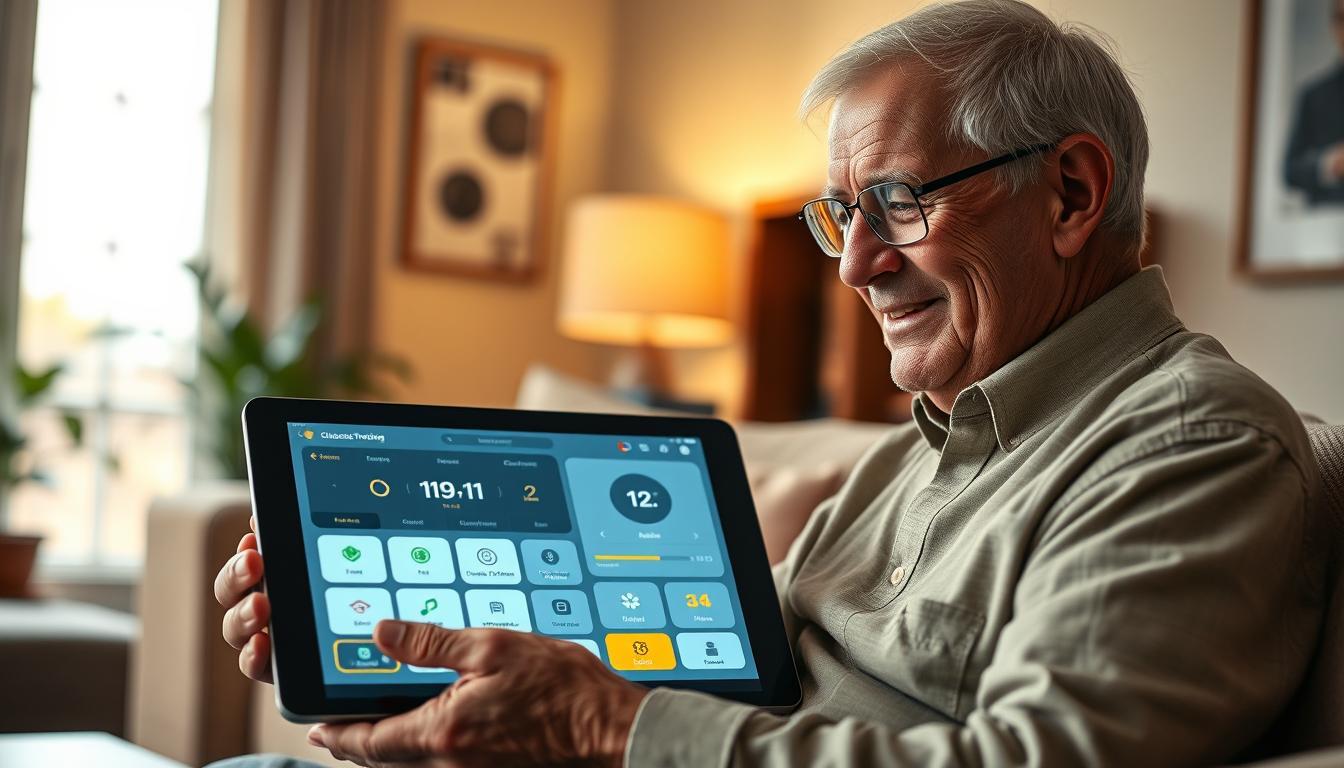
Glucose Tracking Apps Designed for Diabetic Seniors With Low Vision
Managing your health condition can feel overwhelming when vision challenges get in the way. Traditional monitoring tools often have small screens and complex interfaces that are difficult to see.
Today’s technology has evolved significantly to address these accessibility concerns. Modern solutions now incorporate features specifically designed for users with visual impairments.
This comprehensive guide explores top-rated applications that combine effective health monitoring with user-friendly accessibility features. You’ll discover how the right tool can transform daily tracking from a frustrating task into a manageable routine.
We’ll examine specific programs that offer large fonts, high-contrast displays, and voice command capabilities. These innovations ensure visual limitations don’t prevent effective health management.
Key Takeaways
- Modern tracking technology includes specialized features for visual accessibility
- Large fonts and high-contrast displays make information easier to read
- Voice commands and screen readers provide alternative navigation methods
- These tools integrate seamlessly with current monitoring devices
- User-friendly interfaces accommodate various levels of vision impairment
- Consistent monitoring becomes more manageable with the right application
- Expert recommendations help identify the best solution for individual needs
Introduction: Managing Diabetes with Modern Glucose Tracking Apps
Navigating life after a diabetes diagnosis involves mastering a delicate daily balance. You must monitor your levels, track meals, calculate insulin, and stay active. This complex routine demands constant attention and can feel overwhelming without proper support.
Understanding the Unique Challenges for Users with Low Vision
Traditional meters often have small screens and tiny buttons. These features create significant barriers for individuals with visual impairments. Modern solutions with accessibility features are essential for maintaining independence in your care.
These tools help simplify the large amount of information you need to track. They consolidate readings, medication schedules, and activity data in one easy-to-access location. This centralization is a key advantage for daily routine.
How Technology Empowers Your Daily Management
Technology empowers your daily routine by providing real-time insights and automated reminders. This support helps you stay within your target range without constant worry. The time you invest in learning a well-designed tool pays dividends through improved health outcomes.
Expert Rachel Stahl Salzman recommends trying multiple free options. Find which interface and features best match your individual needs. The right program also bridges the gap with your healthcare team by generating shareable reports.
The Importance of Blood Glucose Monitoring for Diabetic Seniors
Regular tracking provides the foundation for making informed decisions about your wellness. This practice helps you understand how different factors affect your body throughout the day.
Why Regular Monitoring is Crucial
Consistent checking of your blood glucose levels helps prevent both immediate and long-term health issues. Staying within your target range reduces risks significantly.
Patterns emerge when you track blood readings over time. These patterns reveal how food, medication, and activity impact your levels. This knowledge empowers you to make adjustments that improve outcomes.
Simplifying Tracking with User-Friendly Tools
Traditional meters often present challenges with small displays and complex interfaces. Modern solutions transform raw numbers into easy-to-understand visual formats.
The right tool saves time by automating data entry and providing clear summaries. This makes consistent monitoring more manageable and effective for your care.
| Feature | Traditional Meter | Modern Solution |
|---|---|---|
| Data Display | Small numbers only | Graphs and color alerts |
| Accessibility | Limited visibility | High contrast and large text |
| Pattern Tracking | Manual review required | Automatic trend analysis |
| Healthcare Integration | Basic memory storage | Comprehensive shareable reports |
These advancements help you maintain better control without struggling with outdated technology. Your healthcare team receives detailed information to optimize your treatment plan.
Top diabetic seniors glucose apps for Effective Management
Choosing the right digital tool can transform your daily health tracking from a chore into a seamless part of your routine. The best options consolidate information clearly and provide timely support.
Focus on programs that simplify your routine rather than complicate it. Look for intuitive designs that make information easy to access and understand.
Key Features You Should Look For
Prioritize automatic data syncing from your meters and other devices. This eliminates manual entry and reduces errors.
Customizable displays are essential. Seek large fonts, high-contrast color schemes, and voice command capabilities. These accessibility features ensure you can use the tool comfortably.
Intelligent alerts and easy report generation are also valuable. They help you and your care team spot patterns quickly.
| Feature Category | Standard Program | Ideal Accessible Program |
|---|---|---|
| Data Input | Mostly manual entry | Automatic sync from meters & CGMs |
| Display Customization | Fixed font size and colors | Adjustable text, high-contrast themes |
| Navigation | Complex menu structures | Simple paths, voice control support |
| Reporting | Basic log export | One-touch detailed reports for providers |
User-Centric Design and Accessibility
Excellent programs feature larger touch targets and clear visual layouts. This design minimizes frustration and mis-taps.
They offer flexible tracking options. You can log simple blood sugar readings or detailed notes on meals and activity.
Always verify compatibility with your specific type of meter before committing. This ensures a smooth start with your new tool.
Deep Dive into Leading Apps: Glucose Buddy, mySugr, and More
Two standout programs demonstrate how innovative features transform routine monitoring into an engaging experience. These tools go beyond basic tracking to provide comprehensive support.
Highlights of Glucose Buddy and Its Integration Capabilities
Glucose Buddy earns impressive ratings with 4.8 on iOS and 4.0 on Android. This application tracks multiple health metrics in one accessible interface.
The premium version includes an automatic A1C calculator and advanced trend graphs. It integrates seamlessly with Dexcom devices and Apple Health for automatic data flow.
Meal IQ provides valuable insights into food impacts on your levels. Exportable PDF reports make sharing information with healthcare providers effortless.
Exploring the Benefits of mySugr and Other Top Choices
mySugr maintains strong ratings at 4.7 on iOS and 4.3 on Android. Its gamified approach rewards consistent logging through “monster taming” mechanics.
The bolus calculator helps determine appropriate insulin doses accurately. After-exercise reminders ensure you check levels when they’re most likely to change.
Continuous glucose monitor synchronization reveals trends traditional meters might miss. Both applications generate comprehensive reports for your medical team.
Understanding Blood Glucose, Insulin Calculations, and Meal Logging
When you systematically track the interplay of food intake, insulin dosing, and body responses, patterns emerge that guide smarter decisions. This comprehensive approach transforms isolated numbers into meaningful health insights.
How Detailed Data Tracking Enhances Diabetes Care
The relationship between your blood glucose levels, insulin requirements, and nutrition varies significantly day by day. Precise tracking helps identify your unique metabolic patterns for optimal management.
Recording exact carbohydrate counts with meal times provides essential information for calculating proper insulin doses. This detailed data reveals which specific foods cause unexpected changes in your levels.
Applications present this information through color-coded logs and clear charts. These visual tools make patterns immediately visible, helping you spot trends that raw numbers might hide.
Comprehensive tracking gives your physician a complete picture of how different factors affect your health. This includes responses to meals, medication timing, and daily activities.
Consistent food logging builds your personal database of metabolic responses. You develop intuitive understanding of how portion sizes and meal composition influence your blood glucose trajectory.
This approach transforms general guidelines into personalized strategies based on your actual data. The detailed information empowers both you and your healthcare team to make precise adjustments for better outcomes.
Enhancing Accessibility: Apps Designed for Low Vision Users
Innovative software solutions are breaking down barriers for individuals with visual limitations. These tools transform health monitoring into an accessible experience for everyone.
Visual Accessibility Features That Improve Usability
Adjustable font sizes allow you to enlarge text significantly beyond standard displays. This ensures all information remains readable regardless of your visual capabilities.
High-contrast color schemes with bold text against solid backgrounds eliminate visual clutter. You can quickly distinguish between different data types and navigation elements.
Design Elements Tailored for Clear Navigation
Voice command capabilities let you log readings and check levels using spoken instructions. This reduces frustration with small buttons and complex interfaces.
Screen reader integration provides audio descriptions of every on-screen element. You can navigate confidently without relying solely on vision.
Larger touch targets and simplified menu structures make interactions more accurate. Consistent placement of frequently used functions helps develop muscle memory.
| Feature | Standard Application | Accessible Application |
|---|---|---|
| Text Size | Fixed small font | Adjustable large text |
| Color Scheme | Standard contrast | High-contrast themes |
| Navigation | Visual-only menus | Voice and audio support |
| Touch Targets | Standard button size | Enlarged activation areas |
These thoughtful design elements benefit people with various visual needs. They also improve usability in challenging lighting conditions or when multitasking.
Integrations and Compatibility: Syncing with Apple Health and CGMs
The true power of digital health tools emerges when they communicate effortlessly with each other. This connectivity transforms your monitoring routine from manual data entry to automated insights.
Seamless Data Sharing Across Multiple Devices
Automatic synchronization eliminates tedious manual entry. Your meter, continuous glucose monitor, fitness tracker, and smartphone app now work together.
Platforms like Apple Health create a centralized repository for all your information. Blood pressure readings, physical activity, and glucose levels coexist in one place.
Continuous glucose monitoring systems transmit real-time data directly to compatible applications. You see current levels and trends without manual logging.
| Application | Device Compatibility | Key Integration Features |
|---|---|---|
| Glooko | 100+ meters, pumps, CGMs | Universal data consolidation |
| One Drop | Fitbit, Dexcom, MyFitnessPal | Cross-platform data sharing |
| Sugarmate | Dexcom Data Partner | Authorized secure data flow |
This interconnected ecosystem means data entered once appears across all connected tools. The app also benefits from comprehensive health tracking beyond glucose monitoring.
Authorized partnerships ensure reliable, secure data transfer between devices. You gain peace of mind knowing your information is always current and accurate.
Digital Tools Supporting Holistic Diabetes Care
A holistic approach connects your food, movement, and health data for clearer insights. Your levels are shaped by a complex mix of nutrition, physical exertion, stress, and medication.
Managing these factors together leads to better outcomes than focusing on just one area.
Combining Physical Activity, Nutrition, and Glucose Data
Tools like UndermyFork revolutionize tracking. This program has a 4.6 Apple rating.
It uses photo-based meal logging instead of tedious counting. You snap a picture of your food and tag it.
This creates a visual timeline that links directly to your data. You see how specific meals affect your time-in-range.
Regular movement is also crucial for management. It improves insulin sensitivity and helps maintain your target range.
The CDC suggests 150 minutes of moderate activity weekly for adults. Tracking exercise alongside readings reveals important patterns.
How Continuous Glucose Monitoring Fits In
Continuous monitoring systems provide a steady stream of data. When combined with food and activity logs, they offer unprecedented insights.
You can see how different types of movement affect your levels. Aerobic exercise may lower them, while strength training might cause a temporary rise.
This knowledge helps you plan meals and medication around your schedule.
| Management Factor | Traditional Tracking | Holistic App Approach |
|---|---|---|
| Meal Logging | Manual carb counting | Quick photo and tag system |
| Activity Correlation | Separate logs | Integrated timeline view |
| Data Insight | Isolated numbers | Visual food-glucose connection |
| Pattern Identification | Guesswork | Clear cause-and-effect display |
This integrated strategy transforms separate tasks into a cohesive health plan. You gain a powerful understanding of your personal management equation.
Trends and Expert Insights in Diabetes App Development
The landscape of digital health management is rapidly evolving, offering new hope and smarter tools for 2025. Current programs now leverage artificial intelligence to predict potential changes in your levels before they happen. This gives you valuable time to take preventive action and stay within your target range.
Feedback from people using these tools reveals a key trend. The most successful applications balance powerful features with an intuitive design. They provide deep information without creating a confusing experience that adds to your burden.
Latest User Trends and Ratings in 2025
User ratings consistently highlight reliability as a top priority. The highest-rated programs sync data seamlessly and send timely reminders. They function without crashes, ensuring your management is not interrupted.
Another significant trend addresses mental wellness. The CDC notes that individuals with this condition face higher risks of depression and anxiety. Feelings of being overwhelmed by constant tracking, known as “diabetes distress,” are common.
Developers are now incorporating positive reinforcement and simplified interfaces. These features reduce cognitive load rather than adding to it. This focus on the whole person is a major shift in development.
Clinical and Expert Recommendations
Healthcare experts strongly recommend programs with built-in data-sharing capabilities. These tools connect you directly to your care team. Providers can review trends and adjust plans between visits using real-time information.
Analysis shows that people engage longer with tools that minimize manual entry. Automation and device integration save time while still delivering meaningful insights. This leads to better long-term health outcomes.
The evolution from simple logbooks to intelligent platforms reflects a broader trend. It empowers you to take an active role in managing your health with strong technological support.
| Development Focus | Past Approach | 2025 Trend |
|---|---|---|
| Primary Function | Basic data logging | AI-powered predictive insights |
| User Experience | Feature-heavy complexity | Simplified, intuitive design |
| Health Scope | Glucose control only | Integrated mental wellness support |
| Clinical Integration | Static quarterly reports | Dynamic, real-time data sharing |
Tips on Choosing the Right Diabetes App for Your Lifestyle
The effectiveness of a health management tool hinges on how well it aligns with your individual lifestyle. A thoughtful selection process ensures the platform you use becomes a helpful partner, not a source of frustration.
Assessing Your Personal Needs and Preferences
Begin with an honest evaluation of your tracking requirements. Do you need simple logging or a comprehensive system that includes meals, medication, and activity?
Your daily routine plays a major role. People with set schedules might prefer structured reminders. Those with variable days will need more flexible tracking options.
Expert Rachel Stahl Salzman encourages trying different free applications. Hands-on experience reveals which interface and workflow you prefer most.
Trying and Comparing Free Versus Premium Options
Free versions of most programs offer core features sufficient for many people. They allow you to visualize trends in your readings effectively.
Premium subscriptions typically unlock advanced analytics like A1C estimates and detailed graphs. Consider if these extra insights justify the cost for your care.
Consulting your healthcare provider is a critical step. Ensure your chosen platform generates reports that your doctor finds useful for personalized treatment decisions.
Accessibility needs are non-negotiable. Test font enlargement, screen reader compatibility, and voice commands before fully committing your time.
Taking time to compare your options leads to better long-term use. This careful approach provides the support you need for consistent management.
Conclusion
Taking control of your health journey is now more achievable than ever. Modern tracking tools are a powerful ally in your daily routine, designed for clarity and ease.
These programs do not replace your doctor’s advice. Instead, they make consistent management simpler and less stressful. The right choice helps you stay within your target blood sugar range.
Understanding how different foods affect your levels is key. Good tools provide clear insights and create helpful reports for your healthcare team.
Start by trying free versions to find what works for you. This investment of time leads to better control and greater confidence in living well with diabetes.