
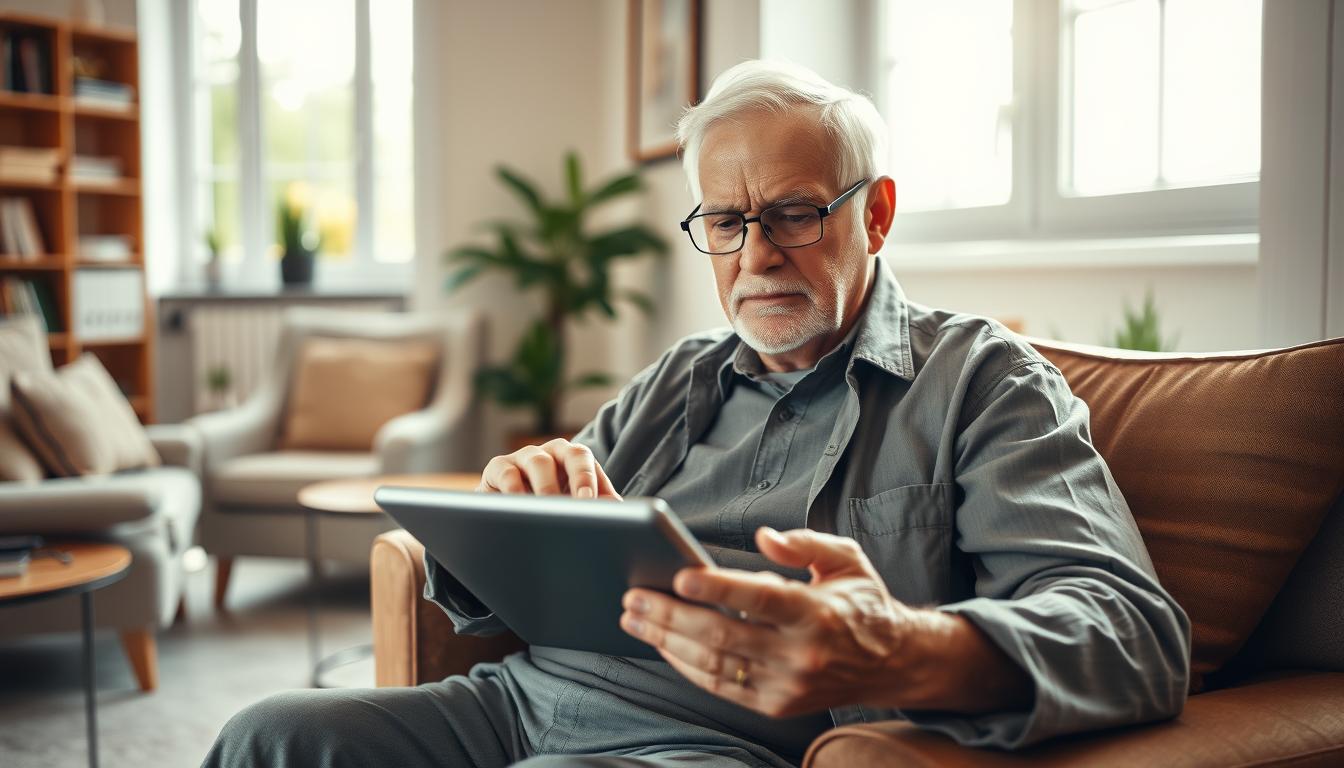
How Seniors Can Overcome Fear and Anxiety Around Technology
Do you ever feel a little nervous when your smartphone buzzes with a new notification? Maybe the thought of setting up a video call makes your heart beat faster. You are not alone in these feelings.
The COVID-19 pandemic showed us just how vital digital tools have become. Many older adults used services like Zoom to see family and scheduled vaccinations online. This experience highlighted a powerful truth: modern devices are gateways to connection and convenience.
This guide is here to help you navigate the digital world with confidence. We understand that apprehension is a common and valid reaction. You grew up in a different time, and these gadgets can seem complex.
Our goal is to show you how mastering these tools can significantly improve your daily life. You can stay close to loved ones, keep your mind active, and handle tasks like banking from home. It’s all about gaining independence and reducing isolation.
We will walk you through a simple, step-by-step process. You can learn at your own comfortable pace. By the end, you will see that this challenge is one you can absolutely conquer.
Key Takeaways
- Feeling hesitant about digital devices is a common experience for many older adults.
- Modern technology offers significant benefits for staying connected and managing daily tasks.
- The pandemic underscored the importance of being able to use tools for communication and health.
- Your concerns are valid, but they can be addressed with patience and the right guidance.
- Learning to use new tech can lead to greater independence and an enhanced quality of life.
- This guide provides a supportive, gradual approach to building your digital confidence.
Understanding Technophobia in Older Adults
When faced with a screen full of icons and menus, do you feel completely overwhelmed? This reaction has a name: technophobia. It’s more than simple reluctance—it’s an intense apprehension about digital devices.
Defining Technophobia and Geriatric Technophobia
Technophobia describes an overwhelming dread of advanced tools, especially computers and smartphones. The term “Geriatric Technophobia” specifically addresses this aversion in older adults. People with this condition may resist using any digital device, even basic cell phones.
According to experts, common behaviors include criticizing new gadgets and refusing software updates. The Technology Comfort Quotient (TCQ) measures your comfort level from 1 to 10. Understanding where you fall on this scale helps identify your starting point.
Recognizing Emotional and Practical Barriers
Both emotional and practical obstacles can maintain technophobia. Emotional barriers include anxiety about making mistakes and embarrassment. Practical challenges involve confusing interfaces and rapidly evolving tech.
Negative self-talk often plays a major role. Thoughts like “I’m too old to learn” can prevent engagement with new technology. Identifying whether resistance stems from genuine difficulty or internal beliefs is crucial for progress.
Recognizing the Impact on Daily Life
Choosing to avoid modern devices can have a bigger impact on your daily life than you might realize. It touches everything from staying close to family to managing your health and home.
This influence extends into several key areas. Understanding these effects is the first step toward making positive changes.
Isolation and Communication Challenges
Many people now use text messages and social media as their main way to talk. If you are not using these tools, you can miss important updates and photos from your family and friends.
This can lead to feeling left out of conversations. Grandchildren often share their lives online, creating a gap when you cannot see their updates.
Your access to essential services is also affected. Managing your health becomes harder without online information and telehealth options.
Shopping and banking from your home offer great convenience. Without these skills, simple tasks require more time and effort.
Safety and personal growth are also areas of concern. New devices offer features like medication reminders and fall detection.
You also miss out on fun ways to learn and keep your mind active. This table summarizes the key differences.
| Life Area | Challenge Without Tech | Opportunity With Tech |
|---|---|---|
| Social Connection | Increased isolation from digital communication | Easy contact with family and friends worldwide |
| Health & Wellness | Limited access to telehealth and online records | Convenient appointment scheduling and health data |
| Independence | Difficulty with online shopping and home services | Managing bills, groceries, and more from home |
| Safety & Learning | Missing safety features and engaging activities | Using emergency alerts and exploring new hobbies |
Seeing these points clearly shows how embracing digital tools can improve your quality of life. It opens doors to connection, convenience, and security.
Practical Strategies: overcoming fear of technology seniors
What if you could learn digital skills in a way that feels natural and stress-free? The key is adopting practical approaches that build your confidence gradually. These methods help you gain control at your own pace.
Breaking Down Barriers with Small, Manageable Goals
Start by focusing on just one task at a time. Instead of trying to master everything, pick a single skill that matters to you. Learning to send one email or make a video call are excellent first goals.
This approach prevents feeling overwhelmed by complex technology. Each small success builds your confidence for the next challenge. You create a solid foundation before moving forward.
Selecting User-Friendly Devices and Tools
Choose devices designed for simplicity rather than fancy features. Basic models of smartphones or tablets often have clearer interfaces. They provide core functions without confusing extras.
Think about which tools will actually help your daily life. If connecting with family is your priority, a simple tablet for video calls might be perfect. This focused learning approach makes the process more rewarding.
Remember that everyone needs time to adapt to new technology. Be patient with yourself as you explore these helpful devices.
Building Confidence and Digital Skills
Your local community offers wonderful resources to help you gain confidence with devices. Many places provide hands-on experience in a supportive group setting.
Exploring Classes, Tutorials, and Self-Paced Courses
Check your library, senior center, or community college for basic computing classes. These low-cost options let you learn alongside others at a similar stage.
You can also teach yourself by exploring your new phone or computer. Today’s tech is more intuitive than in previous years.
YouTube usage among older adults grew significantly recently. You can find free tutorials for setting up email or using social media.
These videos let you pause and rewatch as needed. This self-paced approach gives you control over your learning time.
Celebrating Small Wins in Your Learning Journey
Acknowledge every success, like sending your first message. Each small win builds momentum for tackling new things.
Remember you’ve learned many skills throughout your life. You can apply that same ability to learning new technology.
This positive cycle turns apprehension into achievement. Your confidence grows with each new skill you master.
Leveraging Support Systems and Community Learning
Having someone you trust to answer your questions can transform a confusing experience into an enjoyable learning journey. The right guidance makes acquiring new skills feel less intimidating.
Family, Friends, and Local Resources for Guidance
Your personal network offers valuable help when learning digital tools. Tech-savvy family members or friends can provide quick answers to specific questions.
However, consider professional instruction for comprehensive learning. Well-meaning relatives may lack teaching patience. Structured classes often work better for complete beginners.
Local computer stores frequently offer free or low-cost services to device purchasers. Community centers provide programs designed specifically for older adults.
Programs like SCSEP demonstrate successful community learning. Bernadette joined in 2017 and mastered email skills. She now directs an active adult center.
| Support Option | Best For | Considerations |
|---|---|---|
| Family & Friends | Quick questions and basic help | May strain personal relationships |
| Professional Classes | Structured learning from scratch | Patient, methodical instruction |
| Community Programs | Learning with peers | Reduces isolation, builds confidence |
| Store Services | Device-specific guidance | Often free with purchase |
Seeking help shows strength, not weakness. Most people appreciate sharing their knowledge when asked respectfully.
Conclusion
The decision to engage with today’s devices opens doors to meaningful connections. Your attitude, not your age, determines your success with modern tools.
Almost any healthy adult can master essential skills like email and smartphone use. These abilities keep you connected to family and friends in our digital world.
Practical strategies and community support make the learning process manageable. You can build confidence at your own pace with the right help.
The quality of life improvements make this effort worthwhile. From video calls to online services, these tools enhance your daily experience.
Remember that this journey is about choosing what genuinely enhances your way of living. Your willingness to learn brings rich rewards.