
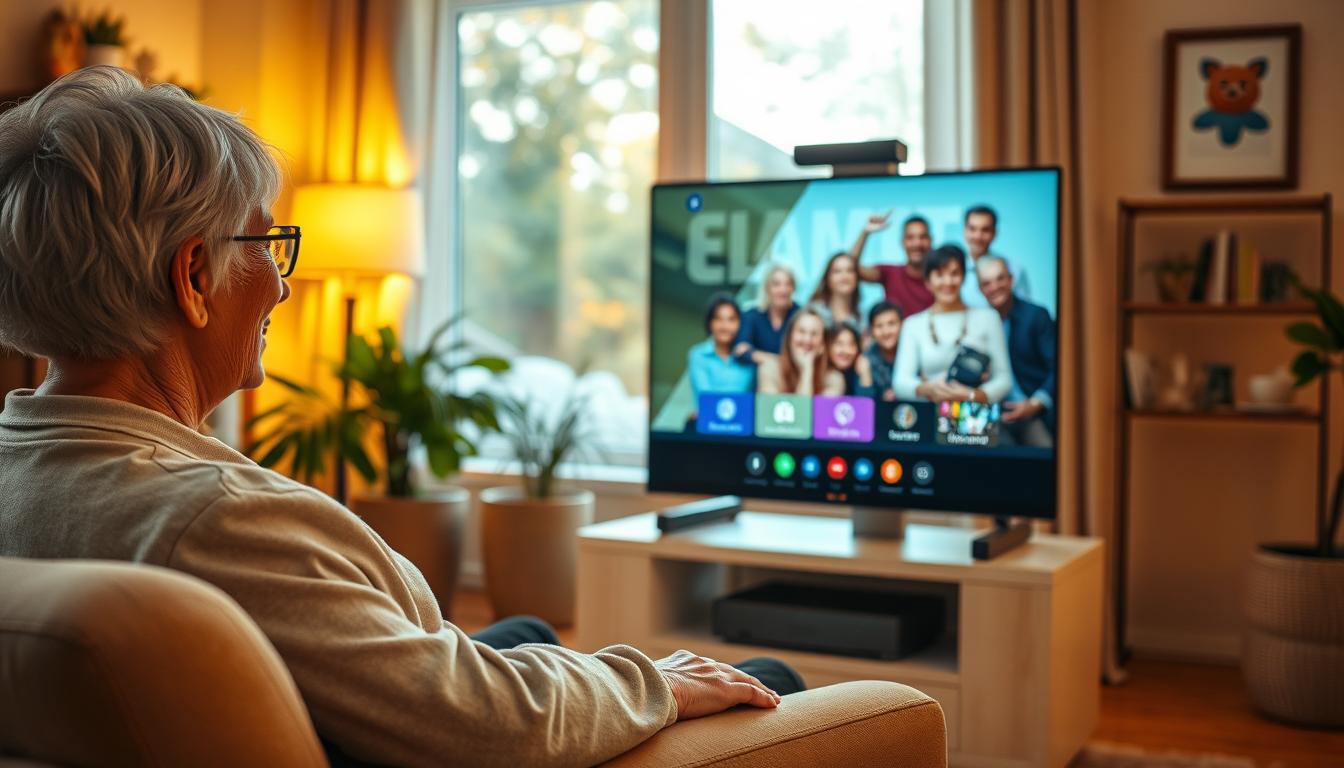
Video calls made comfortable for seniors, step by step
Technology should bring people together, not create barriers. Many older adults want to connect with loved ones but struggle with complex gadgets. Small text, confusing menus, and frozen screens can turn a simple chat into a frustrating experience.
Dedicated communication devices solve these problems beautifully. They offer simple, straightforward solutions designed specifically for ease of use. No more hunting for camera apps or dealing with tiny buttons.
The pandemic showed us how vital visual connections are for emotional well-being. Seeing family members face-to-face helps combat loneliness and keeps relationships strong. The right equipment makes this possible without technical headaches.
The Importance of Video Calls for Seniors
Distance and health concerns should never prevent cherished relationships from thriving across generations. Modern technology offers beautiful solutions to keep everyone connected. These visual connections provide more than just conversation.
They create meaningful experiences that enrich daily life. Seeing familiar faces regularly brings joy and comfort. This type of interaction supports emotional health beautifully.
Combating Loneliness and Isolation
Many seniors experience loneliness, especially when mobility becomes challenging. Regular visual contact with loved ones significantly reduces these feelings. It provides a window to the outside world.
This connection offers genuine therapeutic value. It helps maintain mental sharpness and emotional balance. Seeing family members regularly creates a sense of belonging.
Enhancing Communication with Family and Friends
Visual interaction creates deeper emotional bonds than traditional methods. You can share special moments in real time. Grandparents can read stories to grandchildren.
They can participate in school events and family gatherings. This creates lasting memories across distances. The connection feels more personal and engaging.
These interactions also allow subtle health monitoring. You can observe your relative’s well-being during conversations. This provides peace of mind about their care.
| Communication Method | Emotional Connection | Health Monitoring | Ease of Use |
|---|---|---|---|
| Phone Calls | Basic audio connection | Limited observation | Simple but incomplete |
| Text Messaging | Minimal emotional depth | No visual cues | Easy but impersonal |
| Visual Communication | Rich emotional experience | Comprehensive observation | User-friendly options |
Key Features When Choosing video calling tools for older adults
The ideal communication solution combines intuitive design with dependable performance. You want equipment that feels natural from the first use. Look for clear visual interfaces and straightforward controls.
Consider how the technology will fit into daily routines. The right choice makes connecting effortless rather than frustrating.
Ease of Use and Simple Setup
Seek out devices with minimal buttons and logical layouts. Many users prefer equipment that operates with just one or two steps. Avoid complex menus that can confuse.
Setup should be quick and require little technical knowledge. Some options need account creation or preference settings. Others work right out of the box with basic guidance.
Reliable Connectivity and Battery Life
Consistent performance matters during important conversations. Check if the device uses Wi-Fi or cellular data connections. Ensure it matches your available internet access.
Long battery life prevents interruptions mid-conversation. Look for equipment with clear low-power warnings. This ensures you never miss special moments with loved ones.
Top Video Calling Devices Reviewed
Several excellent devices stand out for their senior-friendly features and reliable performance. Each option offers unique benefits tailored to different needs and technical comfort levels.
Amazon Echo Show and Meta Portal: Smart and Voice-Activated
The Amazon Echo Show works beautifully with simple voice commands. You can start conversations without touching any buttons. The 10-inch screen provides clear visibility for comfortable chats.
Meta Portal features an intelligent camera that follows movement during conversations. This keeps you centered on screen naturally. Both devices offer smart home integration beyond basic communication.
GrandPad and FaceTime: Simplicity and Compatibility
GrandPad delivers exceptional ease of use with its simplified interface. It includes a 4G LTE connection that works anywhere. The stylus helps users with limited hand mobility.
FaceTime remains a popular choice for Apple ecosystem families. It requires no additional fees or equipment purchases. Compatibility across iPhone, iPad, and Mac devices makes setup straightforward.
| Device | Key Feature | Best For | Considerations |
|---|---|---|---|
| Amazon Echo Show | Voice activation | Tech-comfortable users | Requires Amazon account |
| Meta Portal | Smart camera tracking | Active conversations | Privacy settings needed |
| GrandPad | 4G connectivity | Limited Wi-Fi areas | Monthly subscription |
| FaceTime | Apple integration | Existing Apple users | Android incompatibility |
Real-Life Applications and Practical Considerations
These communication solutions find their true value in daily routines and specialized care environments. They move beyond simple chats to become essential tools for wellness and connection.
You can use these devices for virtual doctor visits and daily check-ins. This provides peace of mind without needing constant travel. It keeps everyone informed about health and well-being.
Seeing family members regularly helps combat loneliness. It maintains a strong sense of inclusion in daily life. This is crucial for emotional health.
Usage at Home and for Daily Check-Ins
For individuals living independently, these devices offer a vital link to the world. They enable participation in family events and social groups online. This support system is invaluable.
Automatic answering features are a game-changer for people with memory challenges. They remove the stress of remembering complex steps. Meaningful connection with loved ones remains effortless.
Adaptability in Aged Care and Assisted Living Settings
Care facilities have embraced this technology beautifully. They create quiet spaces where residents can receive calls from family. This maintains routines during restricted visitation times.
Staff find these devices incredibly helpful for providing updates to family. They coordinate care plans more effectively. Everyone stays informed about a resident’s needs.
In specialized memory care, familiar faces on screen can reduce anxiety. Regular visual contact offers significant therapeutic benefits. It supports relationships and overall well-being.
| Setting | Primary Benefit | Key Consideration |
|---|---|---|
| Home Use | Independent wellness monitoring | Reliable home network access |
| Care Facility | Integrated care coordination | Staff training and device accessibility |
Choosing the right device ensures it becomes a sustainable part of life. It should be simple for both users and their support network. The goal is seamless, stress-free communication.
Conclusion
Choosing the right communication equipment can transform how seniors experience daily connections with family. You’ve explored the complete landscape of available options, from voice-activated displays to specialized solutions designed for varying comfort levels.
You’re now equipped to make an informed decision by weighing the pros and cons of each option. The best solutions balance ease of use with meaningful features, ensuring your loved one stays connected without technical frustration.
These devices serve real-world applications beyond simple chats, supporting everything from medical appointments to family milestones. If your family’s needs extend beyond what technology alone can address, consider exploring assisted living options. The right equipment provides invaluable peace of mind through regular visual contact.
FAQ
What is the easiest device to use for video calls?
How can I help my loved one set up their new device?
What if my parent has trouble hearing or seeing the screen?
Are there any monthly fees for these communication tools?
Can these devices be used by someone living with dementia?
What is the most reliable option for a poor internet connection?

Dan Alex is the founder and lead writer at Apps for Download, focused on translating digital literacy and accessibility topics into clear, jargon-free guidance for older adults and their families. Every guide is researched against reputable sources on digital safety and assistive technology rather than presented as personal expertise alone.