
QR Code Scams (“Quishing”): What to Check Before You Scan
QR codes — the small black-and-white square patterns you scan with a phone camera — became a normal part of daily life quickly: restaurant menus, parking payment machines, flyers, even packages left at the front door. That same familiarity is exactly what makes them a useful tool for scammers, because most people have learned to scan first and think second.
Why a QR Code Is a Harder Scam to Spot Than a Suspicious Link
With an email or text message, there are usually visible warning signs — a strange sender address, a link that doesn’t match the company it claims to be from, awkward wording. A QR code hides all of that. Scanning one takes you directly to a web address without ever showing you what that address actually is until your phone’s browser has often already started loading it. This particular scam has a name now — “quishing,” short for QR-code phishing — because it’s become common enough to need one.
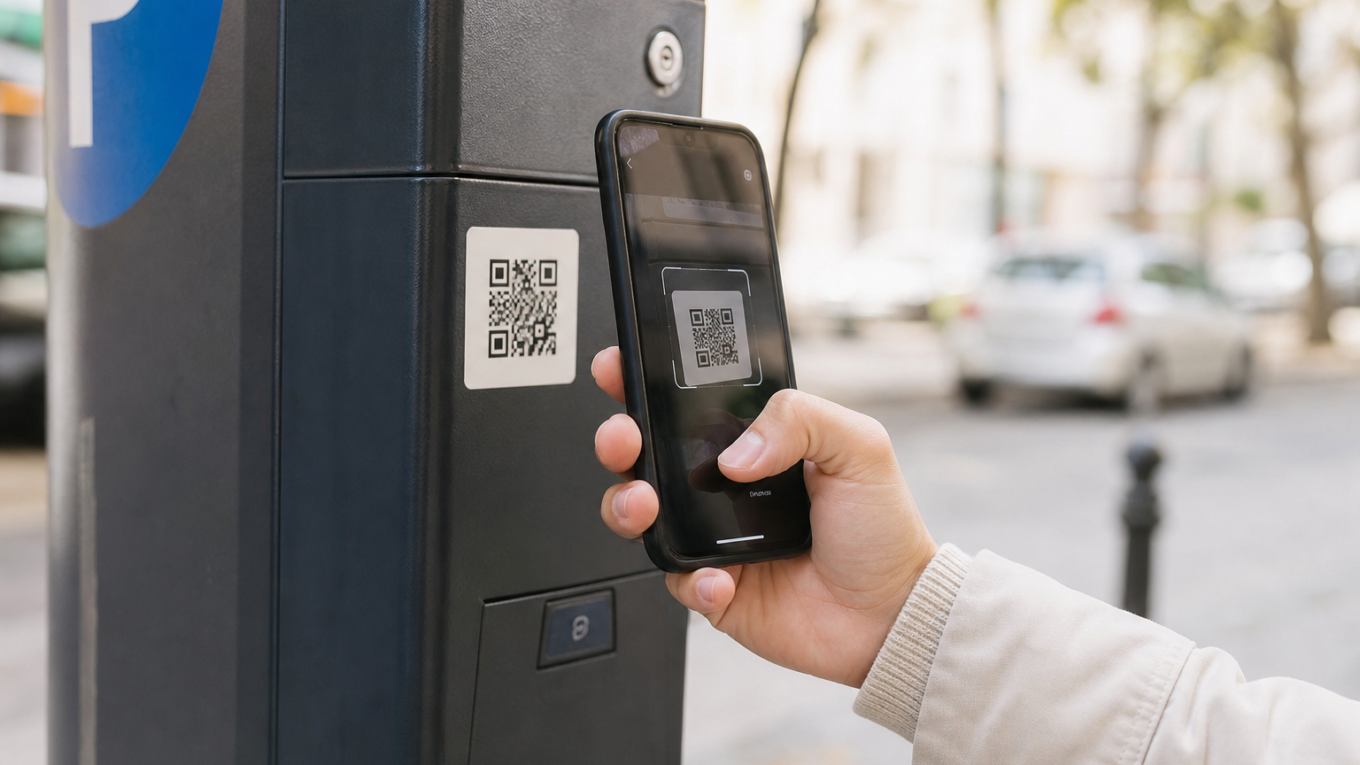
The scam works by placing a fake or altered QR code somewhere you’d expect a legitimate one: a sticker placed over a real parking meter’s payment code, a flyer left on a car windshield claiming to be from a delivery company, or a fake code sent by text or email designed to look like it’s from a bank or government agency. Scanning it leads to a realistic-looking fake website that asks for payment information or login details.
Where These Fake Codes Actually Show Up
A few specific patterns have become common enough to know about directly:
- Parking meters and payment kiosks: a sticker with a fake QR code placed directly over the real one, sending payment to the scammer instead of the parking authority.
- Fake delivery notices: a note left at the door or a text message claiming a package couldn’t be delivered, with a QR code to “reschedule” or “pay a customs fee.”
- Restaurant table codes: a fraudulent sticker placed over a legitimate table QR code used for menus or bill payment, especially in busy venues where nobody double-checks.
- Emails and texts impersonating banks or government agencies: increasingly, scammers use a QR code instead of a text link specifically because it’s less likely to be caught by spam filters that scan for suspicious web addresses in plain text.
What Makes This Especially Relevant for Anyone Newer to Smartphones
Many phones now scan QR codes automatically the moment the camera points at one, without needing a separate scanning app — this convenience is exactly what removes the pause that used to exist between “pointing a camera at something” and “opening a website.” If you’re not yet in the habit of checking a web address before entering any information, a QR code removes even the visual cue (an odd-looking link) that might otherwise prompt a second look.
A Simple Habit That Defends Against Nearly All of This
Before typing anything — a password, a card number, personal information — into a page that opened from a QR code, look at the web address shown at the top of the browser. Ask two questions: does it match the company or organization you’d expect, spelled correctly (scam addresses often use a slightly misspelled version of a real company name), and does it use “https” with a small lock icon, which most legitimate payment and login pages will show. If anything about the address looks off, close the page without entering any information and find the service a different way — calling the number on your actual bill, or typing a company’s known website address directly instead of relying on the code.
For anything involving payment — a parking meter, a delivery fee, a bill — it’s worth specifically checking whether the QR code looks like a sticker placed on top of something rather than printed as part of the original sign or receipt. A sticker with slightly different printing, a different size, or visible edges is a meaningful red flag that costs nothing to check for before scanning.
A Quick Way to Check a Code Before Scanning, If Your Phone Allows It
Many phone cameras now show a preview of the web address underneath a QR code before you tap to open it, rather than opening the page immediately. If your phone does this, get in the habit of actually reading that preview text before tapping — it’s the single easiest way to catch a mismatched or misspelled address without needing any extra app or step. If your phone opens QR codes automatically without a preview, and you find yourself scanning codes often for payments or menus, it may be worth checking your camera or QR settings to see if a “confirm before opening” option can be turned on.
What to Do If You’ve Already Entered Information
If you’ve scanned a code and entered payment or login details on a site that turned out to be suspicious, treat it the same way you would any other compromised account: contact your bank or card issuer immediately to flag the transaction and, if needed, request a new card number; change the password on any account where you reused the same login details; and report the incident, including a photo of the QR code itself if it was a physical sticker, to the venue or organization it was impersonating so they can remove it and warn others.
It’s also worth mentioning this to anyone in your family who might scan a code on your behalf — many of these scams specifically target situations where someone is scanning quickly on someone else’s behalf, such as a family member helping pay for parking or checking a delivery notice, precisely because the person scanning may feel less ownership over double-checking something that isn’t their own transaction.
The broader habit worth building isn’t suspicion of QR codes in general — most are perfectly legitimate and genuinely convenient. It’s simply restoring the same small pause that already exists for suspicious links and emails: look at where you actually landed before typing anything sensitive, regardless of how you got there.

Dan Alex is the founder and lead writer at Apps for Download, focused on translating digital literacy and accessibility topics into clear, jargon-free guidance for older adults and their families. Every guide is researched against reputable sources on digital safety and assistive technology rather than presented as personal expertise alone.