
Staying connected with loved ones has never been easier, but understanding modern tools can feel overwhelming. That’s where visual indicators come in handy. Since 2014, a popular messaging app has used checkmarks to show when your texts are sent, delivered, or opened. These symbols help you track conversations without guessing. Two gray checkmarks mean your …
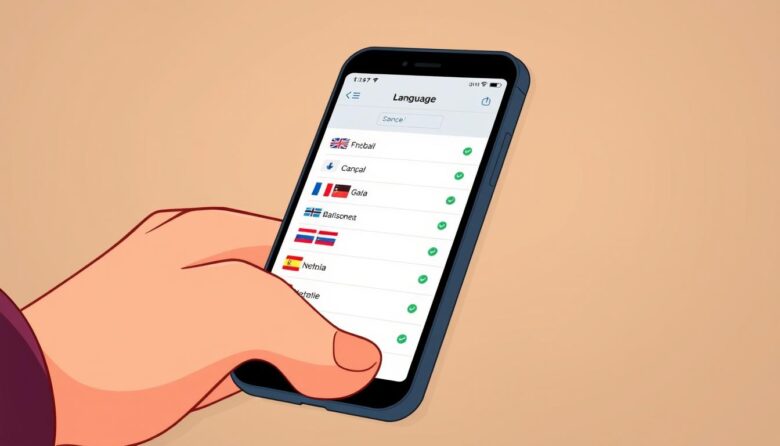
Navigating your device becomes much simpler when you understand every menu and option. Whether you’re using an iPhone or Android, adjusting your display preferences to English can help you use apps, manage features, and explore settings with confidence. This guide breaks down the process into easy steps that work for most modern devices. You’ll start …

Welcome to a stress-free approach for older adults embracing their first mobile device. Modern technology can feel overwhelming, but user-friendly interfaces and thoughtful customization turn complex gadgets into helpful companions. Whether it’s an Android or iPhone, today’s devices offer settings that simplify navigation and boost confidence. Many families seek ways to adapt devices for elderly …

Modern technology opens exciting doors for staying connected and engaged. If tapping and swiping feel unfamiliar, remember this: tablets are designed for simplicity. Millions enjoy streaming shows, video calls, and games through these intuitive devices every day. This guide focuses on practical steps to build your skills. Discover how gestures like pinching and sliding work …
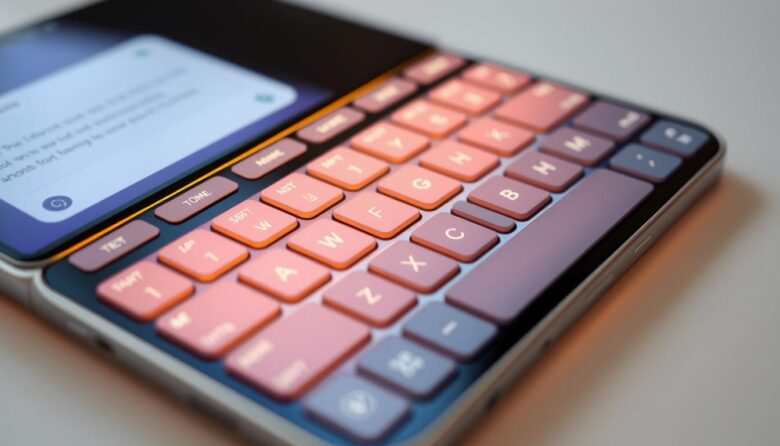
Staying connected has never been simpler. Modern devices now offer user-friendly designs that prioritize clarity and comfort, especially for those who value straightforward technology. Whether you’re sending messages or browsing the web, today’s options adapt to your needs with thoughtful adjustments. Many current models include larger buttons and voice commands, reducing the need for precise …

Your Android device is designed for smooth movement between apps and screens. Whether you prefer tapping buttons or swiping gestures, navigation methods adapt to your habits. The back button remains a cornerstone of this system, letting you retrace steps without losing your place. Modern phones offer three navigation styles: gesture controls, two-button layouts, or classic …
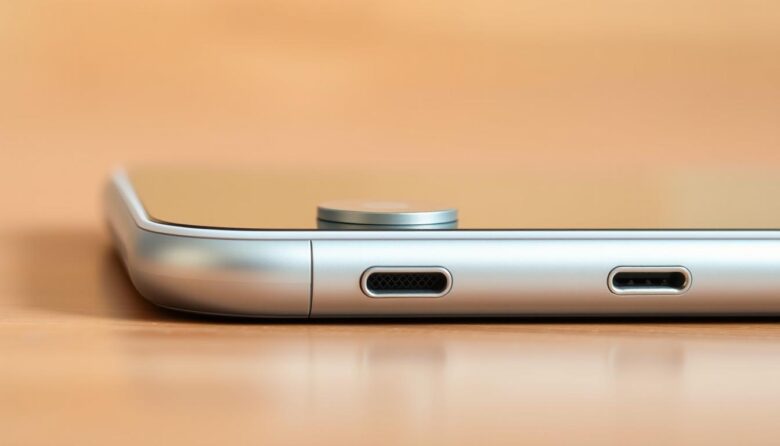
Modern handheld devices have become powerful tools for staying connected. While touchscreens handle most interactions, physical controls remain vital for quick access to key functions. Let’s explore these features using simple, practical explanations anyone can understand. The side-mounted switch often called the power control does more than activate your screen. Press and hold it to …

As we age, our eyes naturally need more support to stay sharp. Many people notice their vision shifting, making small details harder to see. If reading messages or browsing apps feels like squinting through a fog, your smartphone’s display settings can become your new best friend. Farsightedness often develops over time, turning once-clear screens into …