
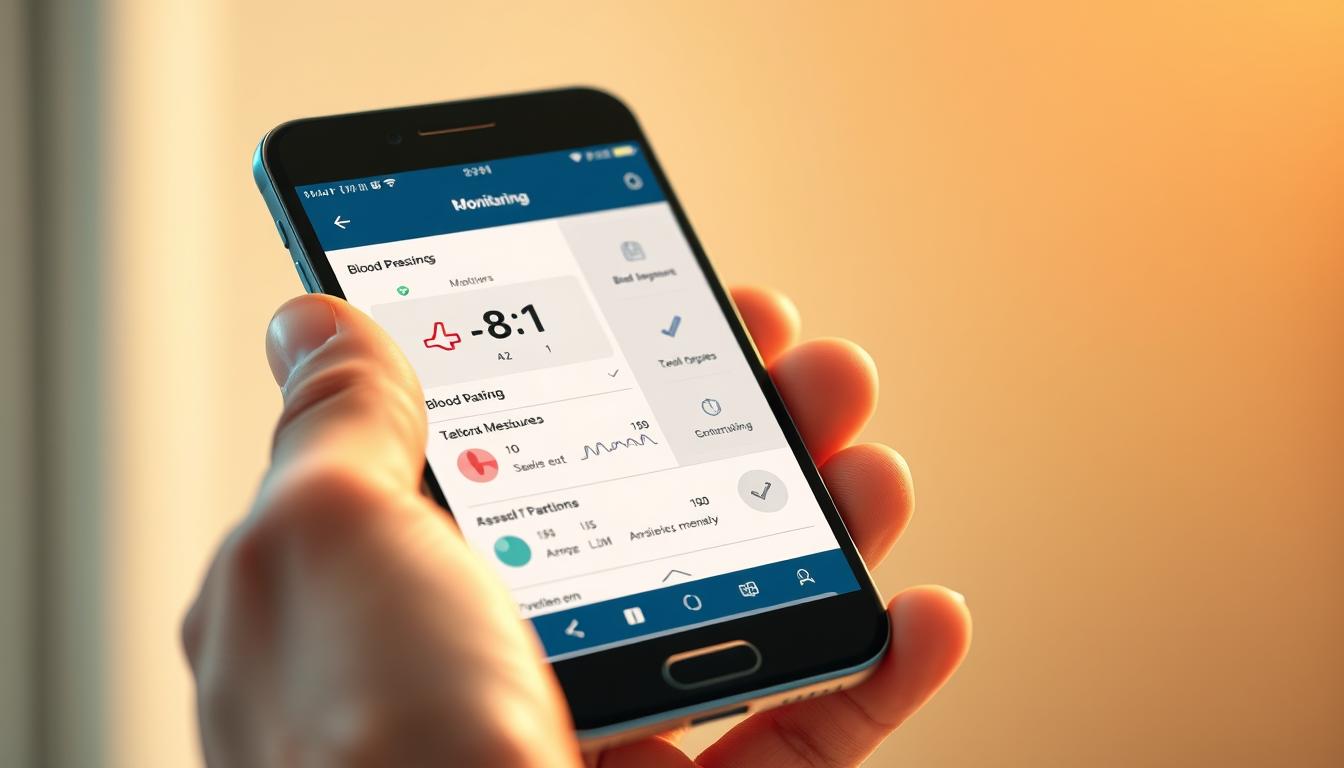
Simple Ways Seniors Can Use Their Phone to Monitor Blood Pressure
Keeping tabs on your numbers at home can feel simple and reassuring. This short guide shows clear steps so you can pair a device with your phone and start checking readings without extra clinic trips.
Comfort, accuracy, and confidence are the focus. You’ll learn what gear you need, what to skip, and how to build a tiny routine that fits your day.
The right cuff and a friendly app make tracking easy. Some home use options offer big buttons and color feedback so you can see results at a glance.
We’ll also cover saving readings, spotting trends, and sharing results with family or your doctor when you want help. By the end, you’ll know the next step to monitor with calm and control.
Key Takeaways
- You can pair a device with your phone in a few simple steps.
- Choose comfort and clear displays for easier home use.
- An app helps save readings and spot trends over time.
- Short routines prevent tracking from feeling like a chore.
- Share organized results with family or your doctor when needed.
Why you’re here: a friendly guide to monitoring blood pressure with your phone for better health at home
With the right device and app, checking numbers becomes quick, clear, and stress-free.
You want clear, friendly information that keeps your routine light and your confidence high. This page lists what you truly need: an easy cuff, a simple app, and what you can skip so you use your time well.
Using a device alone gives instant readings. Pairing it with an app organizes that information, creates shareable reports, and helps you spot trends over time.
Measuring at home reduces white-coat spikes and gives your care team a fuller picture of your health. Small habits—like measuring at the same time each day—make trends easier to spot and act on.
Who could use these tools most? Seniors starting new meds, people watching sodium, or those managing diabetes alongside their readings. Keep a simple list of meds and notes in the app so everything is ready for your next appointment.
If you worry about remembering steps, choose one-button options. Staying organized today saves time at visits and makes conversations with your doctor smoother.
How a phone-connected blood pressure setup works
Your home kit combines a snug upper arm cuff, a compact digital monitor, and a friendly app on your device. Each part plays a clear role: the cuff fits your arm, the device inflates and reads, and the app stores results for easy review.
How it comes together:
Upper arm cuff + digital unit: The cuff should sit one finger above the elbow with the tube pointing down. Proper fit matters—choose standard (8.66″-16.5″) or XL (16.5″-18.9″) for best accuracy.
App syncing and sharing: After a reading, you can sync results to Apple Health so your blood pressure and pulse join other health data. The iHealth Track saves up to 99 readings on the device and unlimited data in the free iHealth MyVitals app.
The app keeps a running list and clear graphs, and most systems export a PDF or CSV for your care team. That way, your clinician sees trends instead of single readings, making follow-up simpler and more useful.
What to look for in a phone blood pressure monitor as a senior
Focus on clarity and fit so readings stay reliable every day. A short list of must-haves helps you shop without getting overwhelmed.
Easy-to-read displays, color-coded feedback, and large buttons
Look for a blood pressure monitor with big, high-contrast numbers and a color-coded indicator. That way you can tell at a glance if a result is in range.
Favor a pressure monitor that has a large Start/Stop button and one-button operation. Fewer steps mean fewer mistakes and less frustration. The iHealth Track offers one-button use and a clear color LCD.
Cuff size matters: standard vs XL upper arm cuffs for a proper fit
Measure your upper arm and pick the cuff size printed on the box. Standard fits 8.66″-16.5″, XL fits 16.5″-18.9″.
Place the cuff about one finger above the elbow with a one-finger gap. It should be snug but not tight for accurate readings.
Storage limits, in-app purchases, and exporting your data
Check how many readings the device holds. Some caps surprise buyers. The iHealth Track stores up to 99 readings on the device and unlimited history in its free app.
Also confirm whether the app can export reports or CSV files and if features require in-app purchases. Make a short list of priorities—right cuff size, clear screen, and simple controls—so you choose a solution you will actually use at home.
Hands-on review: iHealth Track Blood Pressure Monitor for home use
This hands-on review walks you through the iHealth Track to see how it performs in everyday home use.
One-button operation and color-coded LCD make readings simple
Start and stop with one press. The single-button design reduces steps and frustration. The color-coded display helps you view results at a glance, so you can tell if a reading is in range without squinting.
Cuff sizes: standard 8.66″-16.5″ and XL 16.5″-18.9″
Fit drives accuracy. Choose the standard or XL cuff for your upper arm so inflation feels even and results stay reliable. Place the cuff about one finger above the elbow with the tube pointing down.
Data handling: 99 readings on-device, unlimited via iHealth MyVitals app
The unit stores up to 99 on-device readings. The free app gives you app unlimited history, export options, and Apple Health sync so your data is easy to view and share with your clinician.
Price and availability in the U.S. with free shipping
U.S. pricing is budget-friendly: $39.99 for the standard cuff and $49.98 for XL, plus free shipping. For home use, this combo of readable display, simple controls, and exportable data earns strong stars for value and usability.
Daily tips: rest five minutes, keep your arm at heart level, stay still, and wait three minutes between readings for the best results.
App spotlight for iPhone and iPad: BP Log (Blood Pressure Tracker)
You can keep a clear digital record of readings, meds, and notes with BP Log on iOS. The app logs blood pressure, pulse, weight, glucose, and oxygen so related health info stays together.
Use the app to add notes about sleep, stress, or meals and keep a medication list with dosages you can export for visits. Graphs and custom PDF reports make it simple to view trends over weeks and months.
BP Log syncs with Apple Health so your readings join other wellness data. You can share reports by text or email to save time at appointments.
Subscriptions and long-term access
The app description advertises app unlimited history, but recent reviews note subscription changes. Without a subscription you may lose long-term access to older data.
In-app purchases can unlock advanced reporting and longer viewing. Check current terms so you know what stays free and what requires payment before you commit to home use.
Top pick for Android users: a free Blood Pressure App for tracking and education
Android users have a no-cost app that mixes clear tracking with practical health lessons. It focuses on simple charts and an evidence-based library written in plain language so you can learn as you go.
Evidence-based library and situational trend tracking
The app lets you track readings by situation—lying down, sitting, or before and after meals—so you see what changes your numbers. It offers lifestyle tips on sodium, activity, and timing to help you make small, useful adjustments.
Remote sharing, exports, and medical disclaimers
You can export data and share summaries with loved ones or your clinician before visits. Note the important disclaimers: the app does not measure blood pressure or blood sugar and is not for emergencies. It’s a companion for tracking and learning, not a substitute for medical advice.
Practical notes: seniors who could use gentle guidance will appreciate the simple design and the option to add notes. Occasional in-app purchases may appear; check what is necessary for your home use before paying. For a no-cost start, this app earns good stars for education and easy exports.
Set up your monitor and app correctly for accurate readings
A steady routine and correct fit give you readings you can trust at home. Follow simple steps for the cuff, body position, timing, and app use so results stay consistent and useful.
Fit the upper arm cuff
Place the cuff with the hose pointing downward and the edge about one finger above your elbow. Slip one finger under the arm cuff so it feels snug but not tight.
Choose the right cuff size for your upper arm so inflation is even and the reading stays accurate. Do not compress or kink the hose or cuff.
Body position
Sit with your back supported and feet flat on the floor. Rest your arm so the cuff sits at heart level and the display is easy to view.
Keep your arm relaxed and still; small movements can nudge the display upward and change the result.
Timing rules and consistency
Rest quietly for five minutes before measuring and avoid caffeine, alcohol, smoking, bathing, or exercise for 30 minutes prior. Do not talk or scroll while taking a reading.
Measure on the same arm each time, ideally about one hour after waking and before bed. Take two to three readings, waiting at least three minutes between them, and record the averages in your app right away.
Head-to-head: which option fits your needs best today
Let’s weigh simple hardware against feature-rich apps so you pick what you’ll actually use.
iHealth Track (device + app) — Best for ease. One-button start, color-coded LCD, and cuff options (standard 8.66″-16.5″ and XL 16.5″-18.9″) make home use fast and reliable.
BP Log (iOS) — Best for reports. Rich graphs, Apple Health sync, and exportable PDFs give deep views of trends. Check subscription rules for long-term data access.
Android Blood Pressure App — Best for learning. Free, evidence-based library and situation-based trend tracking help you understand readings. It’s education-first and not a substitute for medical advice.
Quick checklist to choose:
– Want the simplest physical setup? Pick iHealth Track for one-button use and clear color feedback.
– Need detailed reports on iPhone and Apple Health sync? Choose BP Log but confirm history access.
– Prefer a no-cost, teaching-focused app on Android? The free app helps with habits and exports.
Bottom line: For most seniors, the best blood pressure choice blends simple device-led routines with app sharing. The iHealth Track plus its app hits that balance, while BP Log and the Android app add reporting and education where you need them.
Value check: pricing, features, and star-worthy functionality
A clear value check helps you pick tools that fit your routine and budget.
Price and what you get: The iHealth Track lists at $39.99 for the standard cuff (8.66″-16.5″) and $49.98 for the XL (16.5″-18.9″), with free shipping. The device pairs with a free app that offers unlimited storage for your readings, which is a strong value for long-term tracking.
App trade-offs: BP Log gives rich graphs, Apple Health sync, and exportable reports, but full history may need a subscription. The Android app is free and great for education and exports, but it does not measure readings itself—you still need a device.
What earns stars: Prioritize cuff fit, clear display, and reliable data export. If long-term tracking matters, unlimited storage or affordable data access is star-worthy. Functionality means how quickly you can sit down, take a reading, and share the data with your clinician.
For most seniors, the best blood pressure value balances price, ease, and dependable outputs you can view and share. Recheck size and features each year to keep your setup working well at home use.
Your next steps to track blood pressure confidently with your phone
Start small and stay consistent. Measure your upper arm to pick the right cuff size, then choose a simple device you’ll use—iHealth Track is a good starter for one-button operation and clear color feedback.
Download your preferred app and enable Apple Health on iPhone. Set a daily reminder at the same time for two weeks to build a reliable baseline of readings.
Sit with back support, keep your arm at heart level, and take two measurements with a short pause. Record both values and use the app to view trends, not single numbers.
Export data before visits so your clinician sees the full picture. Note any med or diet changes in the app so you can link actions to results later.
Reassess tools every few months and pick the setup that earns your own stars for calm, consistency, and long-term use at home.