
Apps That Make Daily Routines Easier for Older Adults
The best apps for older adults aren’t the most sophisticated ones — they’re the ones that solve a specific daily problem reliably without requiring much effort to use. This guide focuses on apps that consistently make a genuine difference in the most common daily routine challenges older adults face: managing medications, keeping appointments, reading small text, staying oriented while out, and keeping the home running smoothly. All of the apps listed here are free or low-cost and available on both iPhone and Android unless noted.
Medication and Health Routines
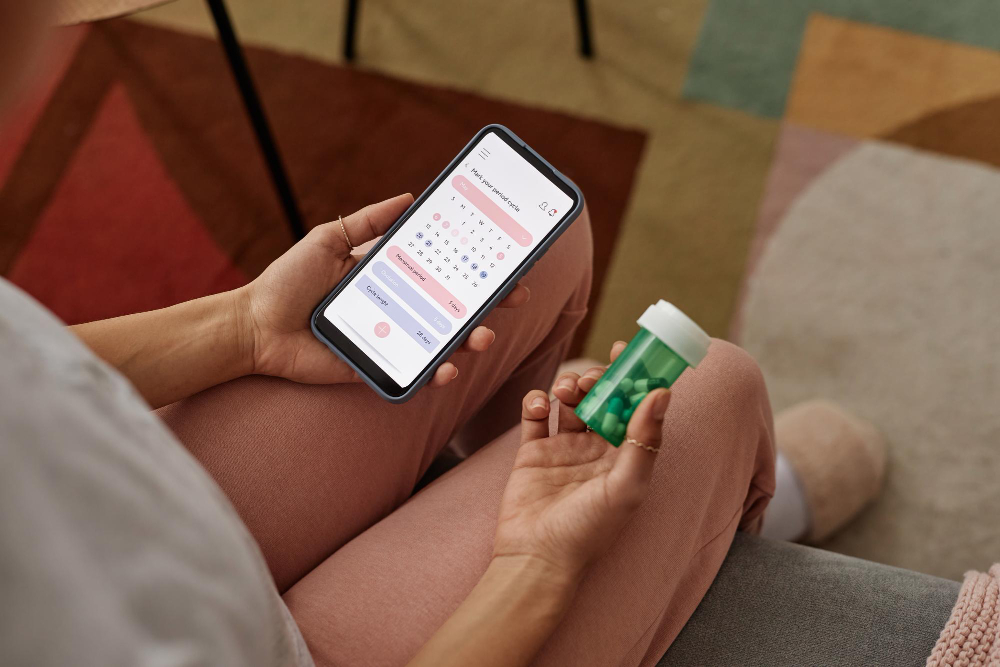
Medisafe — medication reminders and tracking. Medisafe sends an alert each time a medication is due, logs confirmations with a single tap, and flags potential drug interactions when multiple medications are entered. A family member can be designated to receive a notification if a dose is missed — providing a safety net without requiring anyone to actively monitor the situation. It also tracks refill schedules and sends reminders before a supply runs low. Free on iPhone and Android; no paid subscription required for core features.
MyChart — managing health appointments and records. MyChart is the patient portal app used by most major hospital systems and medical groups in the United States. It allows you to view upcoming appointments, see test results, request prescription refills, and send messages to your doctor’s office — all from your phone. If your doctor’s office uses MyChart, this app consolidates most routine health administration into one place. Free; requires your healthcare provider to use the Epic health system.
Reading and Vision Assistance
Magnifying Glass + Flashlight — reading small print anywhere. This app turns your phone’s camera into a magnifying glass with adjustable zoom, a built-in flashlight, and a freeze-frame function that lets you hold a clear image still while you read it. Restaurant menus, medicine labels, ingredient lists, instruction sheets — any small print that would normally require reading glasses becomes manageable. The freeze-frame feature is particularly useful: you capture the image and then zoom into different sections at your own pace. Free on iPhone and Android.
Seeing AI (iPhone) — describes what the camera sees. Seeing AI is a Microsoft app that uses artificial intelligence to read text aloud from whatever your camera points at. Point it at a document, a medicine bottle, a food label, or a handwritten note and it reads the text to you. It can also identify currency, scan barcodes to read product information, and describe scenes. Particularly useful for anyone whose vision makes reading labels or handwriting difficult. Free on iPhone only.
Navigation and Getting Around
Google Maps — voice-guided directions and saved locations. Google Maps provides step-by-step voice directions that guide you without needing to look at the screen while walking or driving. It also lets you save a parking location with one tap (tap the blue dot showing your location → Set as parking location), which allows you to navigate back to your car after a long appointment or shopping trip. For older adults who still drive independently, saving a parking location has proven to be one of the most practically useful smartphone features available. Free on iPhone and Android.
Uber and Lyft — on-demand transportation without driving. For appointments that require travel but driving has become difficult, Uber and Lyft provide reliable point-to-point transportation ordered from your phone. The driver arrives at your door and takes you directly to your destination. For older adults unfamiliar with the apps, GoGoGrandparent (1-855-464-6872) allows you to request Uber or Lyft rides by phone call, with no smartphone app required — a useful bridge while building comfort with the technology.
Home and Household Management
Amazon Shopping or Instacart — groceries without a trip to the store. Most major grocery chains and Amazon offer home delivery or curbside pickup ordered through their apps. For older adults whose mobility makes a full grocery shopping trip exhausting, these services eliminate the most physically demanding regular errand while keeping full control over what you buy. Instacart delivers from most local grocery stores; Amazon Fresh and Walmart Grocery Delivery are additional options. Delivery fees typically range from $5 to $10 per order.
Amazon Alexa or Google Home — controlling your home by voice. These apps connect your smartphone to a smart speaker (Amazon Echo or Google Nest) and to smart plugs and other home devices. Once set up, you control lights, make calls, set reminders, add items to shopping lists, and ask questions by speaking naturally from anywhere in the room — without touching your phone. The apps are free; the hardware (smart speaker, smart plugs) requires a one-time purchase.
How to Choose Where to Start
Pick the one app that addresses your most pressing daily frustration and set it up completely before downloading anything else. For most older adults, the highest-value starting point is either Medisafe (if medication management is a daily concern) or Google Maps (if navigation while driving or walking to appointments is difficult). Both are free, straightforward to set up, and immediately useful.
Ask a family member to help with the initial setup during a visit — creating an account, entering your medications or home address, and doing one practice run together. That one-time session is typically all it takes for the app to become a reliable part of your daily routine. Add a second app only after the first has become comfortable, and only if it addresses a genuine daily challenge you’re still experiencing.

Dan Alex is the founder and lead writer at Apps for Download, focused on translating digital literacy and accessibility topics into clear, jargon-free guidance for older adults and their families. Every guide is researched against reputable sources on digital safety and assistive technology rather than presented as personal expertise alone.