
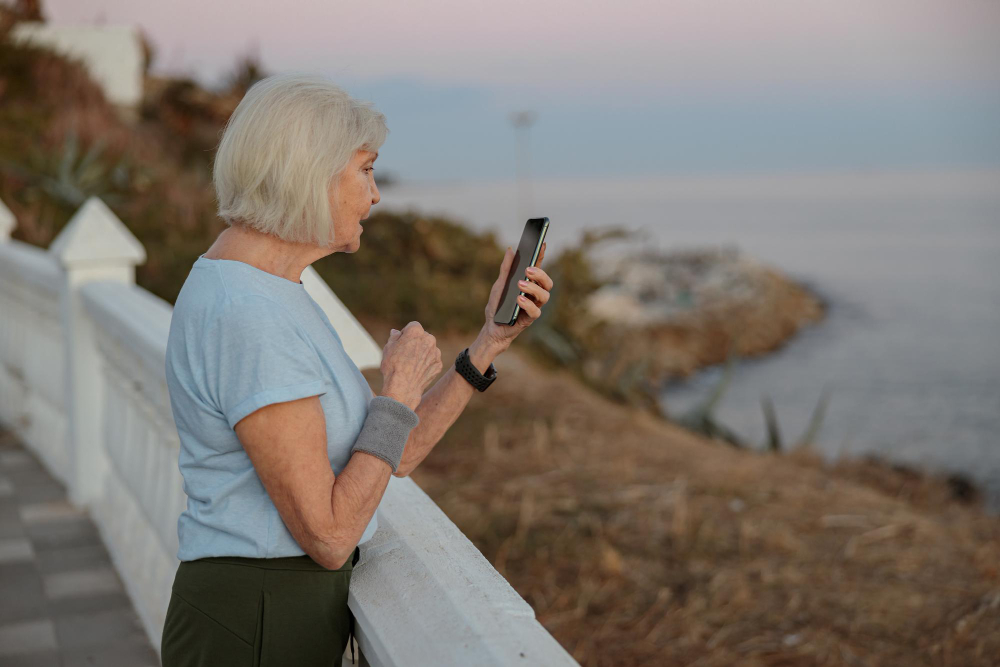
GPS and Location Tracking Apps for Seniors: Stay Safe and Connected in 2026
If you have an aging parent who lives alone — or you are a senior who wants to feel safer getting around — GPS and location tracking apps can offer real peace of mind. These tools let family members check in discreetly, get automatic alerts if something seems off, and even help seniors find their way back home if they ever feel disoriented. In this guide, we break down how location tracking works, which apps are worth using in 2026, and how to set everything up without any technical background.
Why GPS Tracking Matters for Older Adults
Falls, disorientation, and medical emergencies can happen anywhere — at the grocery store, on a morning walk, or even inside the home. According to the CDC, one in four adults over 65 experiences a fall each year. Many of those incidents go unreported because the senior does not want to worry family members.
A GPS tracking app changes that dynamic. Instead of waiting for a phone call that never comes, family members can check a map at any time and confirm their loved one is where they should be. And for seniors who are beginning to show early signs of memory loss, location sharing provides a quiet safety net — without taking away their independence.
How GPS Tracking Apps Work (Simple Explanation)
Your smartphone already has a GPS chip inside it — the same technology that powers Google Maps. Location tracking apps simply use that chip to record where the phone is at any given moment and share that information with trusted contacts through a private map.
Most apps also use Wi-Fi and cellular towers to improve accuracy indoors, where GPS signals can be weak. You do not need any special hardware. As long as the senior has a smartphone and the app is installed, the system works automatically in the background.
The 5 Best GPS and Location Tracking Apps for Seniors in 2026
1. Life360 — Best for Family Groups
Available on: iPhone and Android | Cost: Free basic plan; paid plans from $9.99/month
Life360 is one of the most popular family safety apps in the world, with over 60 million users. It shows the real-time location of every family member on a shared map, sends alerts when someone arrives or leaves a location (such as home or a doctor’s office), and notifies the group if a member’s phone battery is getting low.
The paid plan adds crash detection and a 24/7 emergency dispatch feature — two options that are especially valuable for seniors who drive. Setup takes about five minutes and the interface is large, clear, and easy to read on any screen size.
2. Google Maps Location Sharing — Best Free Option
Available on: iPhone and Android | Cost: Completely free
If your senior parent already uses Google Maps for directions, they are halfway there. Google Maps has a built-in feature called Location Sharing that lets you share your live position with up to a few trusted contacts for a set period of time — or indefinitely.
There is no extra app to download, no monthly fee, and no complicated account to manage. The shared location appears directly inside the contact’s Google Maps app. For families looking for the simplest possible solution, this is the place to start.
3. Find My (Apple) — Best for iPhone Users
Available on: iPhone only | Cost: Free (built into every iPhone)
Apple’s Find My app comes pre-installed on every iPhone and requires no setup beyond signing into an Apple ID. Family members using iPhones can share locations with each other in just a few taps through the Family Sharing feature in Settings.
Find My also works with Apple AirTags — small coin-sized trackers that can be slipped into a wallet, clipped to a keychain, or placed inside a bag. If your parent tends to misplace items or becomes disoriented, AirTags add an extra layer of reassurance for about $29 each.
4. Trusted Contacts (by Google) — Best for Discreet Check-Ins
Available on: Android | Cost: Free
Trusted Contacts is a lightweight app from Google designed specifically for safety check-ins. A family member can send a location request to the senior’s phone. The senior receives a gentle notification and can choose to share their location with one tap — or mark themselves as “safe” without sharing a precise location.
If the senior does not respond within a set time window, the app automatically shares their last known location. This respects the senior’s sense of privacy while still making sure no request for help ever goes unanswered.
5. AngelSense — Best for Seniors with Memory Loss or Dementia
Available on: Dedicated GPS device (no smartphone required) | Cost: From $39.99/month
AngelSense is not a standard smartphone app — it is a dedicated GPS device designed specifically for individuals with Alzheimer’s, dementia, or other memory-related conditions. The small wearable device attaches to clothing and cannot be easily removed, which makes it reliable even for seniors who might forget they are wearing it.
The service includes real-time GPS tracking, automatic alerts if the senior wanders outside a safe zone, a listen-in feature so caregivers can hear ambient sounds, and a two-way voice call button. It is the most comprehensive option available and is widely recommended by dementia care specialists.
Key Features to Look for in a Senior GPS App
Not all tracking apps are built with older adults in mind. Before choosing one, check for these important features:
- Geofencing alerts: The app sends a notification when the senior enters or leaves a defined area, such as their neighborhood or a care facility.
- SOS button: A large, easy-to-press emergency button that immediately alerts family members and, in some cases, emergency services.
- Battery life monitoring: Alerts the family when the phone battery is low so the senior is never unreachable by accident.
- History and route playback: Lets family members review where their loved one traveled during the day — useful for caregivers managing daily routines.
- Privacy controls: The senior should always be able to see that their location is being shared and have the ability to pause sharing when desired.
How to Set Up Google Maps Location Sharing Step by Step
This is the easiest and most accessible option for most families. Follow these steps on the senior’s phone:
- Open the Google Maps app. (If it is not installed, download it free from the App Store or Google Play.)
- Tap your profile picture in the top right corner.
- Select “Location sharing” from the menu.
- Tap “Share location” and choose how long to share — select “Until you turn this off” for ongoing sharing.
- Choose the contact you want to share with. They will receive a link and be able to see your location on their own Google Maps.
That is all. The family member does not need to do anything special — they simply open Google Maps and tap the contact’s name to see their current location.
Addressing Privacy Concerns
Some seniors feel uncomfortable with the idea of being “tracked.” This is a completely valid concern, and it is important to introduce GPS sharing as a conversation — not a decision imposed by the family.
A few tips for that conversation:
- Frame it as mutual sharing — many apps let the senior see the family member’s location too, which makes it feel like a two-way connection rather than surveillance.
- Emphasize that the senior controls the sharing and can pause it at any time.
- Start with a low-stakes option like Google Maps, which is already familiar and unthreatening.
- Connect it to a specific concern — “I just want to know you got home safely from your walk” — rather than a general worry about safety.
GPS Apps vs. Medical Alert Devices: What Is the Difference?
It is worth understanding that GPS tracking apps and medical alert devices serve different purposes, even though there is some overlap.
GPS tracking apps (like the ones listed above) run on a smartphone or dedicated device and are primarily designed for location awareness — helping family members know where their loved one is throughout the day.
Medical alert devices (like Life Alert or Bay Alarm Medical) are wearable buttons — typically worn around the neck or wrist — that connect directly to a 24/7 emergency response center when pressed. They are designed for immediate crisis response, not ongoing location monitoring.
For many families, the ideal setup combines both: a GPS app for daily awareness and a medical alert device for emergency response. If you are interested in wearable alert options, read our guide on Emergency Alert Apps for Seniors Living Alone.
Frequently Asked Questions
Do GPS apps drain the phone battery quickly?
Continuous GPS use does consume more battery than typical apps, but modern location-sharing apps like Life360 and Google Maps are optimized to minimize this drain. Most users report losing an additional 10–20% of battery per day with location sharing enabled. Keeping the phone plugged in overnight fully compensates for this.
Can I track a senior’s location without them knowing?
No reputable app supports covert tracking, and attempting to install tracking software without someone’s knowledge raises serious ethical and legal concerns. All the apps listed in this guide require the tracked person’s consent and show clearly when location sharing is active.
What if the senior does not have a smartphone?
Dedicated GPS wearables like AngelSense or the Jitterbug Smart3 (which includes built-in location features) are excellent alternatives. These devices are designed to be simple and do not require the senior to manage a full smartphone.
Is location sharing safe? Can strangers see where I am?
All major apps use encrypted, private connections. Your location is only visible to the specific contacts you approve — it is never public. You can revoke access for any contact at any time directly from the app.
Final Thoughts
GPS and location tracking apps are one of the most practical tools available to families caring for aging parents. Whether you choose the simplicity of Google Maps, the family-centered features of Life360, or the specialized protection of AngelSense, the goal is the same: knowing your loved one is safe, without taking away their independence.
Start with the free options and see how your family adjusts. Most seniors, once they understand that the app works both ways and that they stay in control, embrace it as just another way to stay connected.
For more guides on using technology to support daily life for older adults, explore our Daily Life and Health Tech for Seniors category.

Dan Alex is the founder and lead writer at Apps for Download, focused on translating digital literacy and accessibility topics into clear, jargon-free guidance for older adults and their families. Every guide is researched against reputable sources on digital safety and assistive technology rather than presented as personal expertise alone.